DesireCore v10.0.150
Release Date: 2026-09-08
New Features
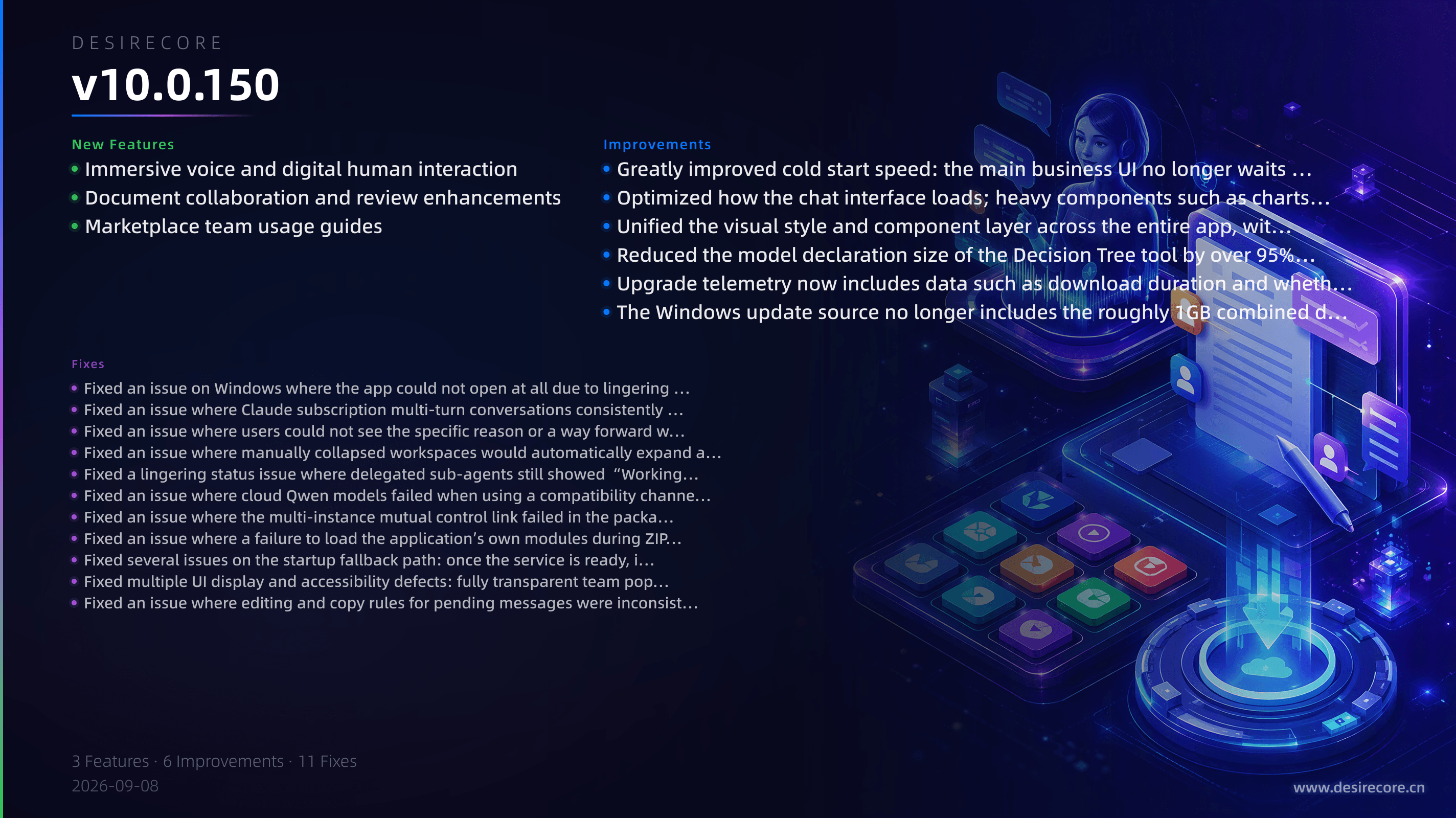
- Immersive voice and digital human interaction: Improved configuration, diagnostics, and status management for digital human conversations and voice interaction, and added a voice canvas and voice diagnostics panel for a more stable and controllable voice pipeline.
- Document collaboration and review enhancements: Enhanced Super Document review and collaboration capabilities, with new document collaboration actions, immersive review source tracking, and review transaction protection, making document reviews safer and more reliable.
- Marketplace team usage guides: Marketplace team detail pages now show usage instructions provided by the team, so users can see how to use a team before installing it; the built-in marketplace syncs the latest version of the Contract Review team, allowing new users to discover and install it directly.
Fixes
- Fixed an issue on Windows where the app could not open at all due to lingering instance leases or missing PowerShell; the startup failure page and update blocked prompt now show the blocking process and provide “Force release and restart,” and environments without PowerShell can now start normally and let Agent list directories.
- Fixed an issue where Claude subscription multi-turn conversations consistently returned 400 from the second turn onward; continuous multi-turn requests now work normally and hit the session cache.
- Fixed an issue where users could not see the specific reason or a way forward when Agent updates were blocked: the blocking reason is now explained, leftover merge conflicts can directly open the conflict resolver, and updates are no longer falsely reported when no remote repository is configured.
- Fixed an issue where manually collapsed workspaces would automatically expand again after switching Agent.
- Fixed a lingering status issue where delegated sub-agents still showed “Working” after completion.
- Fixed an issue where cloud Qwen models failed when using a compatibility channel because of a thinking budget parameter conflict.
- Fixed an issue where the multi-instance mutual control link failed in the packaged version: the remote debugging port is now published again and can distinguish states such as not enabled, publishing, and port mismatch.
- Fixed an issue where a failure to load the application’s own modules during ZIP upload was misjudged as “package corrupted” and user files were deleted.
- Fixed several issues on the startup fallback path: once the service is ready, it returns to the business page faster; recovery page waits no longer restart from the beginning; successful loads are no longer falsely reported as startup failures; and a clear exit is provided when there is no session for a long time.
- Fixed multiple UI display and accessibility defects: fully transparent team popup backgrounds, insufficient contrast for some buttons and titles, non-functional syntax highlighting in the code editor, invisible keyboard focus on the blue primary button, and lost status colors and screen reader semantics.
- Fixed an issue where editing and copy rules for pending messages were inconsistent, and added support for copying long text in full; failure item prompts now allow retry, copy, or delete.
Improvements
- Greatly improved cold start speed: the main business UI no longer waits for the backend service to be fully ready, so it appears significantly sooner; multiple startup checks on Windows have been merged or removed, and the Agent service ready and input-ready states are reached faster.
- Optimized how the chat interface loads; heavy components such as charts are now loaded on demand, making the first chat open lighter and faster.
- Unified the visual style and component layer across the entire app, with overall improvements to status colors, button hierarchy, dark mode contrast, and keyboard accessibility.
- Reduced the model declaration size of the Decision Tree tool by over 95%, lowering token usage for typical requests while still allowing precise action contracts to be fetched on demand when needed.
- Upgrade telemetry now includes data such as download duration and whether the download was a delta download, making it easier to identify why upgrades are slow.
- The Windows update source no longer includes the roughly 1GB combined dual-architecture installer, preventing accidental large downloads; release validation can now recognize the archive state in object storage, preventing delta updates from silently failing.