DesireCore v10.0.77
Release Date: 2026-06-28
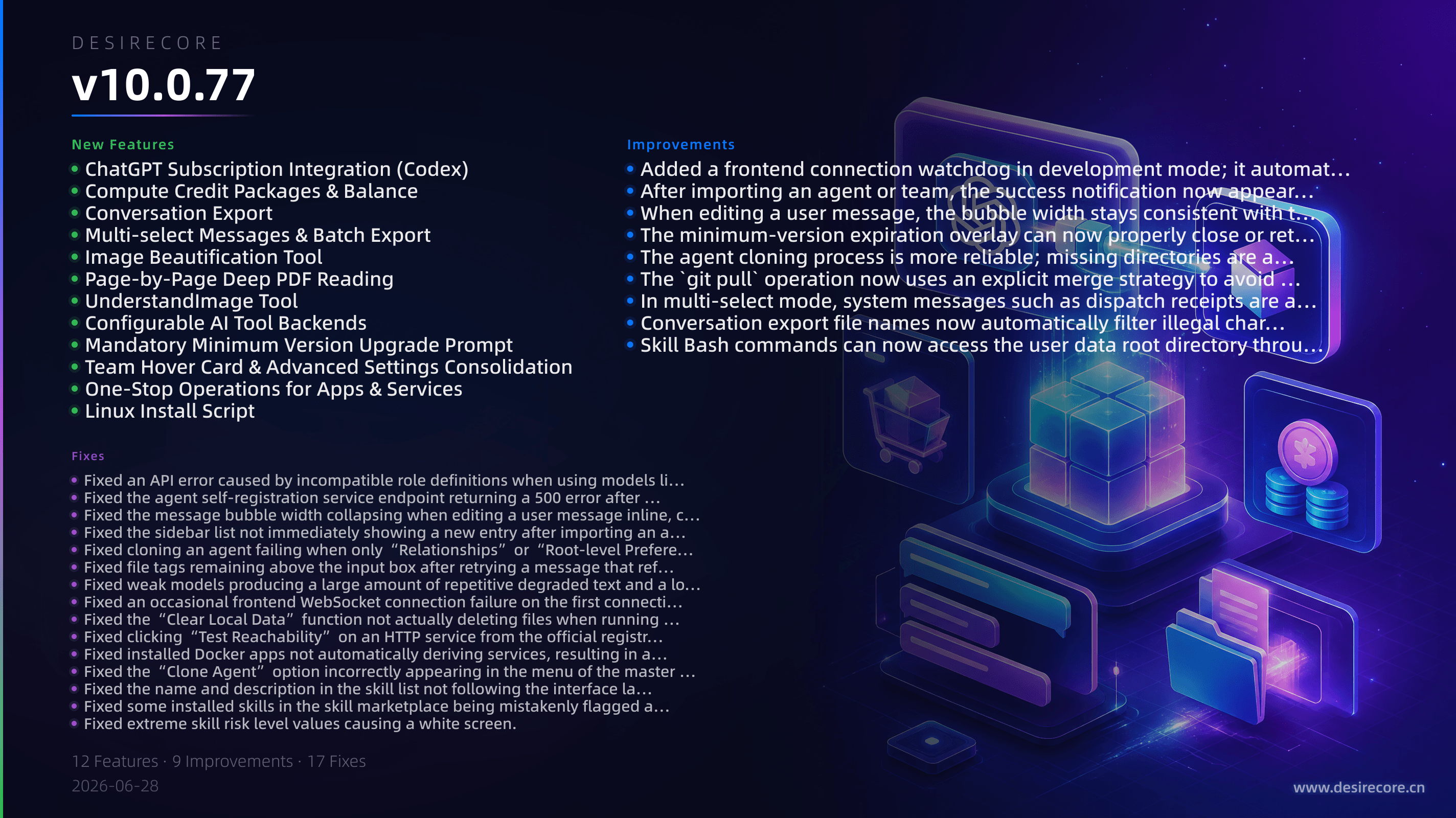
New Features
- ChatGPT Subscription Integration (Codex): No API key needed—simply reuse your local Codex CLI’s ChatGPT subscription credentials to access models like GPT-5.x and Codex directly from the compute menu. The interface shows connection status and a seven‑step onboarding guide.
- Compute Credit Packages & Balance: Paid subscription feature is now available. Purchase compute plans in‑app (Alipay / WeChat Pay supported), check your balance and expiring credits. Wallet entry points appear in both the navigation bar and the settings panel; expiring credits are flagged with an orange dot.
- Conversation Export: Export entire conversations or selected messages as Markdown or PDF files. The PDF export preserves the full layout and styling of content including reasoning chains.
- Multi‑select Messages & Batch Export: A new “Select Messages” mode is available at the top‑right of a conversation. You can select all or individually tick messages, then export the selected range in one click.
- Image Beautification Tool: Agents can invoke the BeautifyImage tool to automatically crop black borders, white borders, or large blank areas from images and optionally center the content with padding. The original image is never overwritten.
- Page‑by‑Page Deep PDF Reading: When an agent reads a PDF, it processes the document page by page in batches; each page is sent as an image to the vision model for understanding. Non‑vision models automatically skip pure‑image pages and continue reading text. Ultra‑long documents support table‑of‑contents preview and resumable reading, greatly reducing the risk of context overflow.
- UnderstandImage Tool: A standalone image understanding tool is introduced. Agents can analyze images through a configured third‑party vision API, no longer strictly dependent on the current conversation model’s vision capabilities.
- Configurable AI Tool Backends: A new “Tool Backends” panel has been added in “Settings → Compute → AI Services”. You can toggle and configure the search or vision providers used by WebSearch and UnderstandImage (e.g., Tavily, Serper), and also add a custom backend.
- Mandatory Minimum Version Upgrade Prompt: When the client version falls below the official requirement, a non‑dismissible full‑screen upgrade notice is shown, helping you update in time for features and security fixes.
- Team Hover Card & Advanced Settings Consolidation: Hover over or click a team badge in the conversation list to view the full member list, quickly switch conversations, or remove members. Advanced options in the team settings panel (upgrade, remote repository, etc.) are now always visible.
- One‑Stop Operations for Apps & Services: Derived services of an installed app can be clicked to go directly to their details. The pending approval count in the app marketplace refreshes in real time. HTTP services now have a “Test Reachability” button and show health status. Manual service re‑derivation is supported.
- Linux Install Script: An official script is provided to install the DesireCore AppImage to a stable path and automatically create a desktop shortcut and menu entry.
Fixes
- Fixed an API error caused by incompatible role definitions when using models like DeepSeek through an compatibility proxy.
- Fixed the agent self‑registration service endpoint returning a 500 error after packaging, making the entire registration chain unusable.
- Fixed the message bubble width collapsing when editing a user message inline, causing long text to be clipped.
- Fixed the sidebar list not immediately showing a new entry after importing an agent or team.
- Fixed cloning an agent failing when only “Relationships” or “Root‑level Preferences” was checked.
- Fixed file tags remaining above the input box after retrying a message that references files.
- Fixed weak models producing a large amount of repetitive degraded text and a long scrolling flood after a delegated task is completed.
- Fixed an occasional frontend WebSocket connection failure on the first connection when restarting the app in development mode, causing functional issues such as approval cards not popping up.
- Fixed the “Clear Local Data” function not actually deleting files when running in development mode or with a custom data directory.
- Fixed clicking “Test Reachability” on an HTTP service from the official registry exposing internal error messages in Apps & Services.
- Fixed installed Docker apps not automatically deriving services, resulting in an empty service list with no data to operate on.
- Fixed the “Clone Agent” option incorrectly appearing in the menu of the master control agent (DesireCore).
- Fixed the name and description in the skill list not following the interface language switch.
- Fixed some installed skills in the skill marketplace being mistakenly flagged as “updatable.”
- Fixed extreme skill risk level values causing a white screen.
- Fixed governance approval notifications failing to send after packaging and build, causing approval card notifications to be lost.
- Fixed the minimum version detection incorrectly flagging a version as expired with special version‑number formats, and optimized status handling during re‑detection to prevent the overlay from freezing.
Improvements
- Added a frontend connection watchdog in development mode; it automatically recovers after a disconnection so you no longer need to manually refresh the page.
- After importing an agent or team, the success notification now appears only after the sidebar has fully updated, avoiding the confusion of prematurely closing the progress dialog.
- When editing a user message, the bubble width stays consistent with the original text, and the content automatically adapts without forced wrapping or squeezing.
- The minimum‑version expiration overlay can now properly close or retry when the network is unreachable or when an administrator lifts the restriction, no longer permanently freezing the interface.
- The agent cloning process is more reliable; missing directories are automatically created when copying user data.
- The
git pulloperation now uses an explicit merge strategy to avoid abnormal errors caused by differing local git global configurations. - In multi‑select mode, system messages such as dispatch receipts are automatically grayed out and unselectable.
- Conversation export file names now automatically filter illegal characters and limit the length to 60 characters.
- Skill Bash commands can now access the user data root directory through the
DESIRECORE_ROOTenvironment variable.