DesireCore v10.0.33
Release Date: 2026-04-16
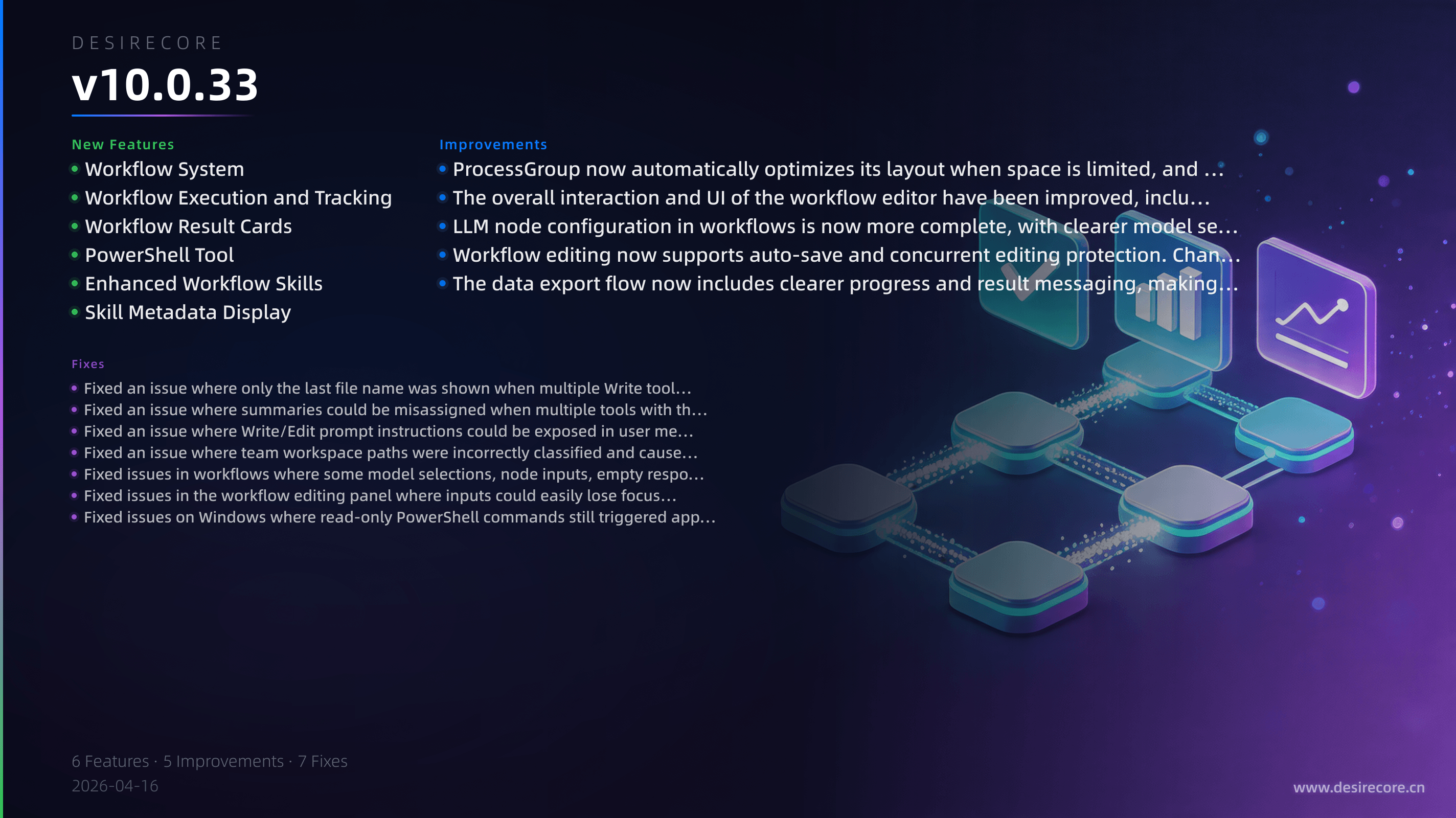
New Features
- Workflow System: Added a visual workflow feature. You can now create, view, and edit workflows in the Explorer, and use the canvas to orchestrate triggers, code, models, agents, and human approval nodes to complete complex tasks.
- Workflow Execution and Tracking: Workflows now support manual runs, Webhook triggers, cancellation during execution, real-time progress updates, and execution history, making it easier to track the result of each run.
- Workflow Result Cards: After an agent executes a workflow in a conversation, it will now display a structured result card showing status, progress, output, and error information, making results easier to review at a glance.
- PowerShell Tool: Windows users can now let agents execute system commands directly through the built-in PowerShell tool, making it better suited for local scripts, system administration, and command-line tasks.
- Enhanced Workflow Skills: Added new built-in workflow-related capabilities, allowing agents to more fully help you validate, test, run, or directly open workflow files.
- Skill Metadata Display: The skills list now correctly displays each skill's author and version information, making it easier to identify the source of a skill and track updates.
Fixes
- Fixed an issue where only the last file name was shown when multiple Write tools were called at the same time. Multiple files written in a batch will now correctly display their corresponding file names.
- Fixed an issue where summaries could be misassigned when multiple tools with the same name were executed consecutively. Each tool's execution summary will now correctly correspond to its own result.
- Fixed an issue where Write/Edit prompt instructions could be exposed in user messages after a refresh, making chat history cleaner and more secure.
- Fixed an issue where team workspace paths were incorrectly classified and caused export failures. Unchecking workspace files will no longer mistakenly export large amounts of team workspace content.
- Fixed issues in workflows where some model selections, node inputs, empty responses, and error reasons were displayed inaccurately. Failures now provide clearer feedback.
- Fixed issues in the workflow editing panel where inputs could easily lose focus, and where the code editor might not appear or could have abnormal height in some scenarios, resulting in a more stable editing experience.
- Fixed issues on Windows where read-only PowerShell commands still triggered approval, commands produced no output, or Chinese characters were garbled. Command execution results are now more in line with expectations.
Improvements
- ProcessGroup now automatically optimizes its layout when space is limited, and displays file names and counts more clearly when there are many files.
- The overall interaction and UI of the workflow editor have been improved, including node icons, form styles, status indicators, dark mode support, switching between configuration and run results, and the history panel experience.
- LLM node configuration in workflows is now more complete, with clearer model selection, prompt references, temperature adjustment, output schema configuration, and code editing support.
- Workflow editing now supports auto-save and concurrent editing protection. Changes to node configuration are saved more smoothly, reducing the risk of overwrites and conflicts.
- The data export flow now includes clearer progress and result messaging, making it easier to confirm whether an export completed successfully.