DesireCore v10.0.52
Release Date: 2026-05-12
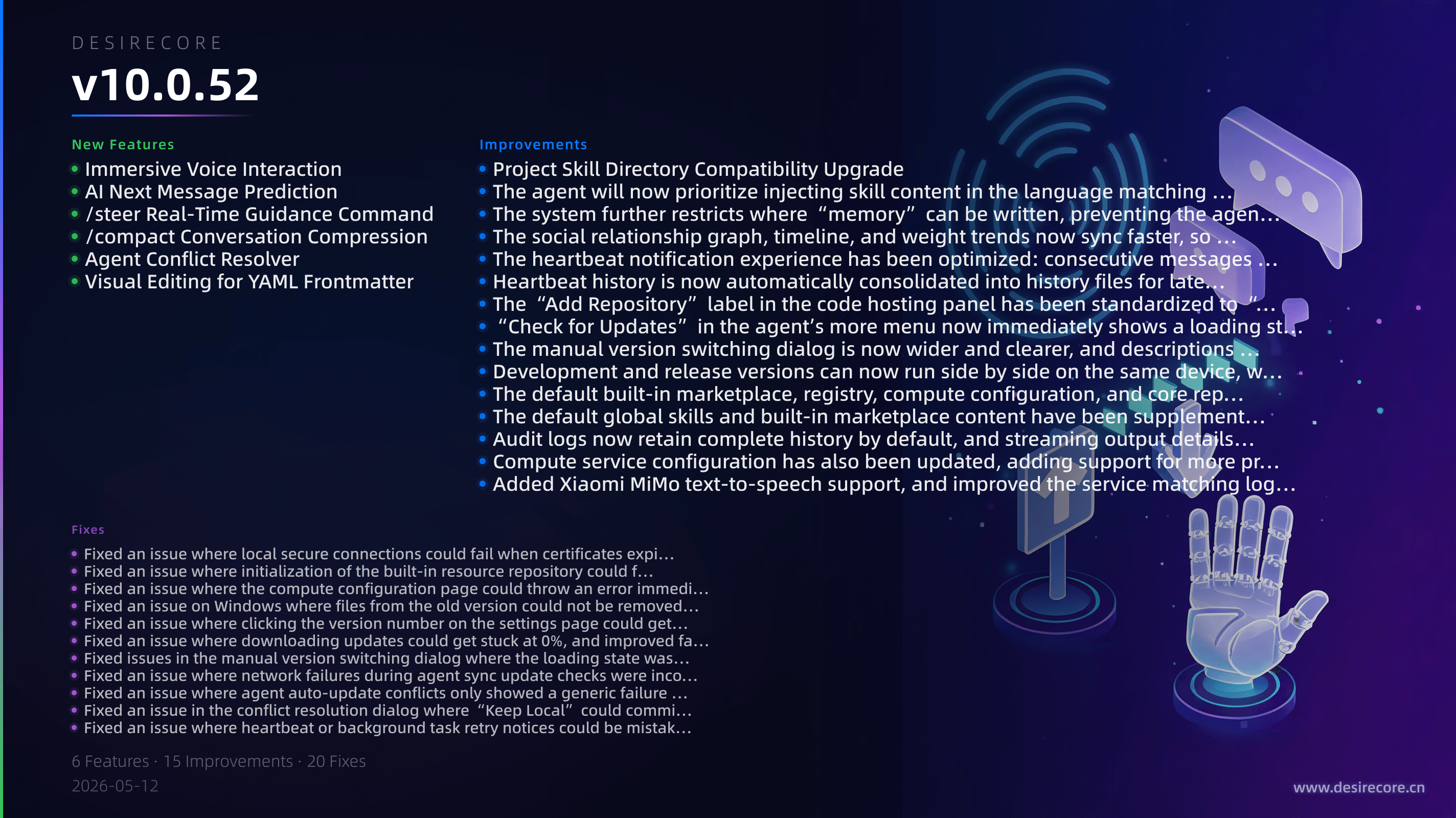
New Features
- Immersive Voice Interaction: You can now have more complete voice conversations in immersive mode, with support for voice input recognition, speech playback, continuous listening, and subtitles, making the overall experience much closer to real-time spoken interaction.
- AI Next Message Prediction: After the assistant replies, a one-tap “Guess your next sentence” suggestion chip will appear above the input box, which you can click or quickly fill using
Tab/→. - /steer Real-Time Guidance Command: While the agent is executing a task, you can use
/steerto insert new guidance instructions without interrupting the task, allowing the agent to continue in your new direction. - /compact Conversation Compression: Added a new manual
/compactcompression command that compresses older context while preserving continuity in the current topic, making long conversations easier to continue. - Agent Conflict Resolver: When the agent encounters code conflicts during synchronization, you can now view diffs directly in the GUI, choose to keep local or remote content, or resolve conflicts by editing manually.
- Visual Editing for YAML Frontmatter: When editing documents such as
SKILL.md, YAML frontmatter is now correctly recognized and displayed in a more intuitive structured format instead of being mistakenly shown as horizontal separators.
Fixes
- Fixed an issue where local secure connections could fail when certificates expired or service startup order was abnormal, making app startup and communication with local services more stable.
- Fixed an issue where initialization of the built-in resource repository could fail on first launch or after packaging, preventing cases where the default marketplace, configuration, or registry contents could not be loaded.
- Fixed an issue where the compute configuration page could throw an error immediately upon opening in some cases; accessing compute configuration and node information will no longer result in 500 errors.
- Fixed an issue on Windows where files from the old version could not be removed during auto-update, reducing installation failures during upgrades.
- Fixed an issue where clicking the version number on the settings page could get stuck on “Checking...” indefinitely; update check results now return properly.
- Fixed an issue where downloading updates could get stuck at 0%, and improved failover to backup sources when the primary download source is unavailable.
- Fixed issues in the manual version switching dialog where the loading state was unclear, version prompts were inconsistent, and reopening the dialog could retain stale data.
- Fixed an issue where network failures during agent sync update checks were incorrectly reported as “already up to date.”
- Fixed an issue where agent auto-update conflicts only showed a generic failure message; conflicts are now clearly indicated and the conflict state is preserved.
- Fixed an issue in the conflict resolution dialog where “Keep Local” could commit conflict markers as well, and added more practical handling options such as “Keep Both.”
- Fixed an issue where heartbeat or background task retry notices could be mistakenly inserted into the current chat window, preventing unrelated retry messages from polluting conversations.
- Fixed issues after generating
.mdfiles where the auto-open behavior could occasionally be incorrect, attachment cards could be missing, and blank assistant bubbles could appear. - Fixed an issue where memory-writing Markdown files could mistakenly trigger the editor to open; memory content will now be presented as memory cards as expected.
- Fixed an issue where pressing the Up arrow in the chat input box to view history could repeatedly replay consecutive duplicate messages.
- Fixed an issue where
/compactcould keep spinning indefinitely when there was no content to compress. - Fixed an issue where session resources could continue accumulating after long periods of runtime, reducing the risk of increased memory usage during prolonged use.
- Fixed an issue where abnormal pairing of certain tool results could trigger upstream model errors, improving stability in complex tool-calling scenarios.
- Fixed an issue where the agent could enter an infinite loop of tool calls within a single task, accompanied by an ever-growing buildup of repeated text.
- Fixed an issue where performing Git operations immediately after creating an agent could fail; newly created agent repositories can now be used more reliably right away.
- Fixed an issue where files using
~paths in heartbeat notifications were incorrectly written to the working directory; such files will now be saved to the correct location.
Improvements
- Project Skill Directory Compatibility Upgrade: Project-level skills now prioritize
.agents/skillswhile remaining compatible with the legacy.claude/skills, allowing both new and old projects to work smoothly. - The agent will now prioritize injecting skill content in the language matching your client language, so the Chinese interface will no longer frequently receive English skill instructions.
- The system further restricts where “memory” can be written, preventing the agent from mistakenly writing memory content into the current working directory.
- The social relationship graph, timeline, and weight trends now sync faster, so new agents,
@mentions, and relationship changes appear more promptly. - The heartbeat notification experience has been optimized: consecutive messages are now automatically collapsed, and a top notification bar and clearer history display have been added.
- Heartbeat history is now automatically consolidated into history files for later reference, making it easier for agents to review past heartbeat records.
- The “Add Repository” label in the code hosting panel has been standardized to “Add Hosting Source” for greater accuracy.
- “Check for Updates” in the agent’s more menu now immediately shows a loading state, reducing confusion caused by repeated clicks.
- The manual version switching dialog is now wider and clearer, and descriptions of the target version being downloaded are more intuitive.
- Development and release versions can now run side by side on the same device, with completely separate data and app identities.
- The default built-in marketplace, registry, compute configuration, and core repositories now use a unified offline bootstrap method, so even first-time installations in offline scenarios can get more complete initial content.
- The default global skills and built-in marketplace content have been supplemented and synchronized, improving usability in offline mode.
- Audit logs now retain complete history by default, and streaming output details are recorded again for easier tracing and troubleshooting.
- Compute service configuration has also been updated, adding support for more providers and Token Plans, while improving model availability validation and filtering logic.
- Added Xiaomi MiMo text-to-speech support, and improved the service matching logic for related media and image skills.