DesireCore v10.0.59
Release Date: 2026-05-15
New Features
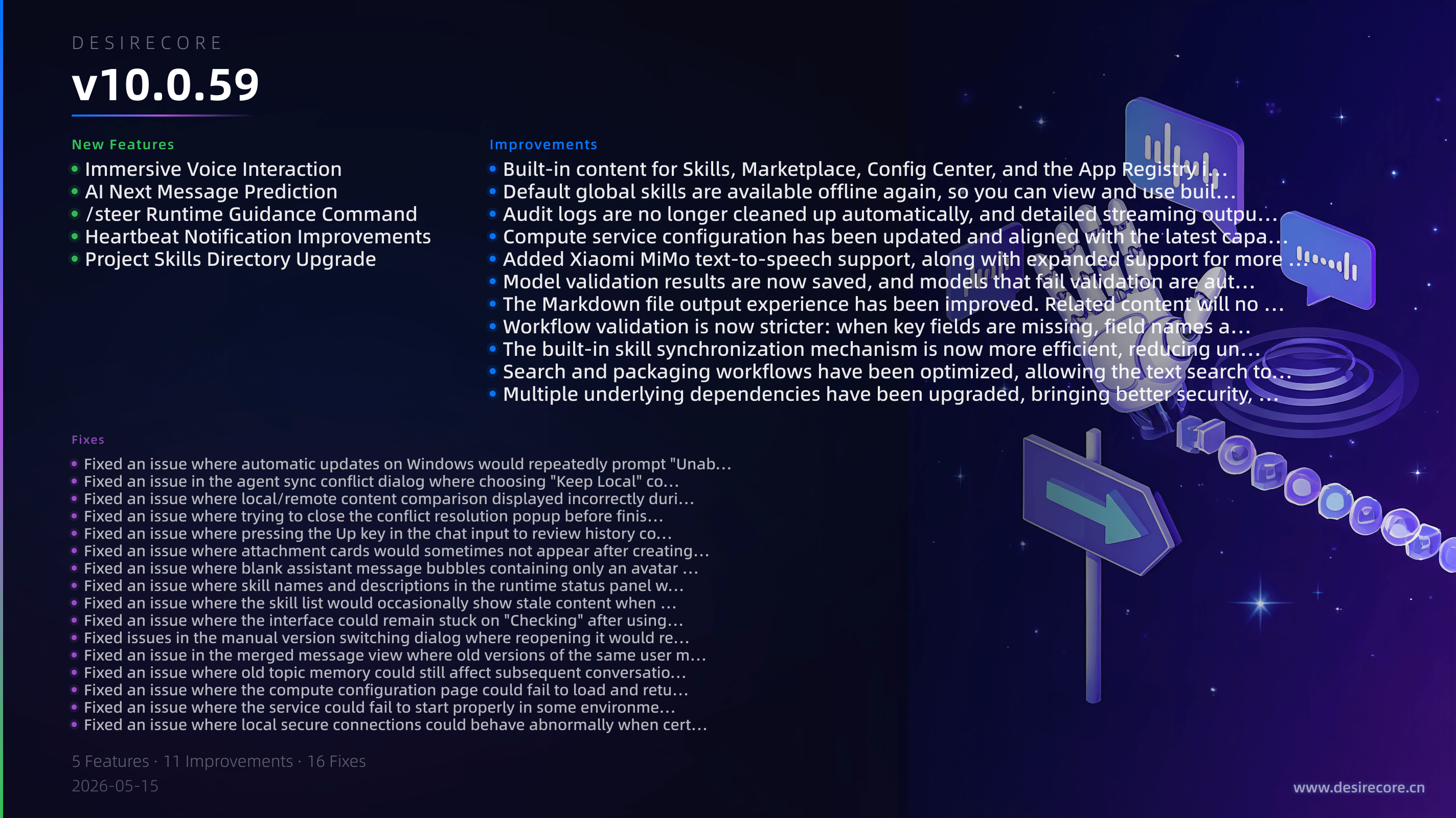
- Immersive Voice Interaction: Added more comprehensive voice conversation capabilities. You can now use continuous voice input, real-time speech recognition, voice playback, and interruption in immersive mode for a more natural spoken interaction experience.
- AI Next Message Prediction: After the assistant finishes replying, the input box will intelligently suggest the next sentence you may want to send above it, which you can quickly accept with a click or keyboard shortcut.
- /steer Runtime Guidance Command: While the agent is executing a task, you can use
/steerto append new guidance instructions, allowing it to adjust its subsequent behavior without interrupting the current process. - Heartbeat Notification Improvements: Added a top heartbeat notification bar and support for collapsing consecutive heartbeat messages, making it easier to review the day's activity without getting spammed.
- Project Skills Directory Upgrade: Projects now prioritize recognizing skills in
.agents/skillswhile continuing to support the legacy.claude/skillsdirectory, making it easier for old and new projects to transition smoothly.
Fixes
- Fixed an issue where automatic updates on Windows would repeatedly prompt "Unable to remove old version files" in some environments, making the upgrade process more stable and reliable.
- Fixed an issue in the agent sync conflict dialog where choosing "Keep Local" could also save the conflict markers, and merge results are now more accurate.
- Fixed an issue where local/remote content comparison displayed incorrectly during agent sync conflicts, making diff previews clearer and easier to read.
- Fixed an issue where trying to close the conflict resolution popup before finishing would cause it to freeze, and added a more intuitive "Keep Both" option.
- Fixed an issue where pressing the Up key in the chat input to review history could cause consecutive identical messages to appear repeatedly.
- Fixed an issue where attachment cards would sometimes not appear after creating or editing Markdown files, so generated documents are now easier to open and view directly.
- Fixed an issue where blank assistant message bubbles containing only an avatar and timestamp would occasionally appear in chats.
- Fixed an issue where skill names and descriptions in the runtime status panel would not follow interface language switching.
- Fixed an issue where the skill list would occasionally show stale content when quickly switching languages or agents.
- Fixed an issue where the interface could remain stuck on "Checking" after using "Check for Updates."
- Fixed issues in the manual version switching dialog where reopening it would retain previous data, loading states were unclear, and prompt messages were confusing.
- Fixed an issue in the merged message view where old versions of the same user message could remain after repeated edits.
- Fixed an issue where old topic memory could still affect subsequent conversations after chat history was truncated.
- Fixed an issue where the compute configuration page could fail to load and return an error in some cases.
- Fixed an issue where the service could fail to start properly in some environments after extracting built-in resources on first launch.
- Fixed an issue where local secure connections could behave abnormally when certificates expired, preventing service unavailability caused by certificate renewal timing.
Improvements
- Built-in content for Skills, Marketplace, Config Center, and the App Registry is now consistently shipped with the application as a complete offline resource package, so default content is more fully available on first install and in offline scenarios.
- Default global skills are available offline again, so you can view and use built-in skills even without an internet connection.
- Audit logs are no longer cleaned up automatically, and detailed streaming output recording has been restored, making it easier to preserve a more complete troubleshooting history.
- Compute service configuration has been updated and aligned with the latest capabilities of multiple model providers, with more complete model availability and media skill compatibility.
- Added Xiaomi MiMo text-to-speech support, along with expanded support for more voice- and media-related services.
- Model validation results are now saved, and models that fail validation are automatically hidden during selection, reducing accidental selection of invalid models.
- The Markdown file output experience has been improved. Related content will no longer be incorrectly auto-linked, and the document generation and viewing flow is now clearer.
- Workflow validation is now stricter: when key fields are missing, field names are incorrect, or conditional branches cannot proceed, the system will give clear warnings earlier, helping you catch problems before runtime.
- The built-in skill synchronization mechanism is now more efficient, reducing unnecessary repeated scans and making startup and background sync lighter.
- Search and packaging workflows have been optimized, allowing the text search tool to work properly in production environments while maintaining better performance.
- Multiple underlying dependencies have been upgraded, bringing better security, stability, and compatibility.