DesireCore v10.0.38
Release Date: 2026-04-27
New Features
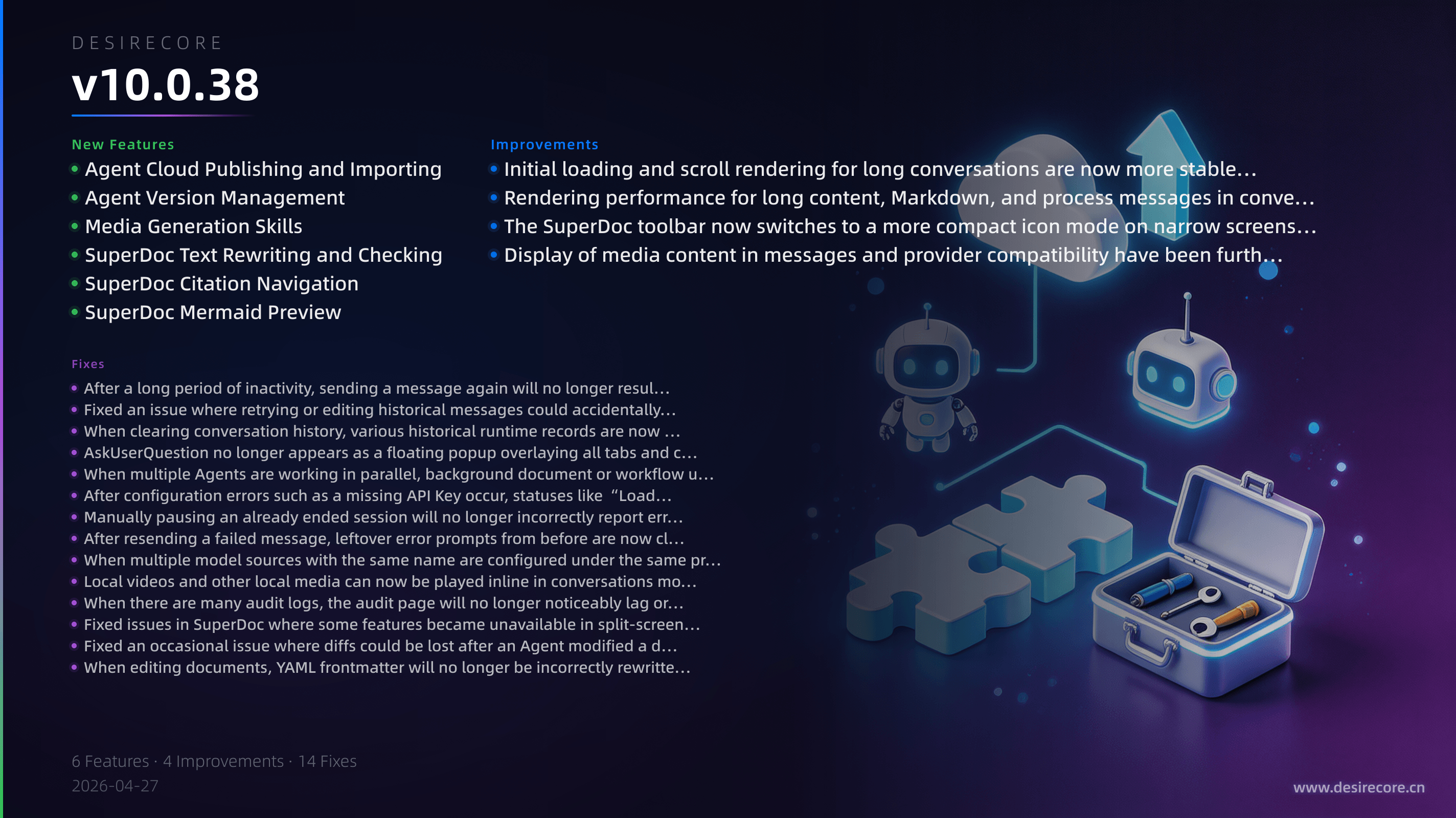
- Agent Cloud Publishing and Importing: You can now choose whether to make an Agent public or private when publishing it, copy a share link for a published Agent with one click or switch it to public, and import an Agent directly from a public link.
- Agent Version Management: You can now create official versions for Agents through the publishing wizard, with automatic patch version increments, generated update notes, and published version tags. The panel also shows local and remote version status.
- Media Generation Skills: Added multiple media generation capabilities, including text-to-image, text-to-video, and speech synthesis. The system will also prioritize skills that match your current model provider to reduce cases of using the wrong capability.
- SuperDoc Text Rewriting and Checking: After selecting text in SuperDoc, you can directly simplify, expand, formalize, make it more conversational, or correct it. You can also check Markdown structure issues with one click and jump to the corresponding location.
- SuperDoc Citation Navigation: When document Q&A results include line-number citations, you can click a citation to jump directly to the corresponding location in the document and see a highlight.
- SuperDoc Mermaid Preview: SuperDoc now supports Mermaid diagram rendering, making chart content in documents easier to view intuitively.
Fixes
- After a long period of inactivity, sending a message again will no longer result in messages failing to send while getting stuck on “Thinking.”
- Fixed an issue where retrying or editing historical messages could accidentally delete a large amount of chat history.
- When clearing conversation history, various historical runtime records are now cleaned up more thoroughly, preventing old content from “coming back” after a refresh.
- AskUserQuestion no longer appears as a floating popup overlaying all tabs and conversations. It now shows only within the corresponding session, and guides you with reminders when switching sessions or losing focus.
- When multiple Agents are working in parallel, background document or workflow updates will no longer suddenly take over the conversation panel you are currently viewing.
- After configuration errors such as a missing API Key occur, statuses like “Loading tools and skills” will now end properly instead of lingering indefinitely in the UI.
- Manually pausing an already ended session will no longer incorrectly report errors such as “session does not exist or has stopped.”
- After resending a failed message, leftover error prompts from before are now cleared correctly.
- When multiple model sources with the same name are configured under the same protocol, model requests will now more accurately use the credentials of the provider you actually selected, avoiding accidental use of the wrong API Key.
- Local videos and other local media can now be played inline in conversations more reliably, and video upload is now supported.
- When there are many audit logs, the audit page will no longer noticeably lag or even crash due to excessive data volume.
- Fixed issues in SuperDoc where some features became unavailable in split-screen or narrow windows, including invisible buttons, nonfunctional checks, unavailable selection rewriting, and errors when jumping via citations.
- Fixed an occasional issue where diffs could be lost after an Agent modified a document, making document changes easier to display and review correctly.
- When editing documents, YAML frontmatter will no longer be incorrectly rewritten as separator lines.
Improvements
- Initial loading and scroll rendering for long conversations are now more stable, making very long chats smoother to open.
- Rendering performance for long content, Markdown, and process messages in conversations has been optimized, making long chat histories smoother to read.
- The SuperDoc toolbar now switches to a more compact icon mode on narrow screens, making common actions less likely to be pushed out of view.
- Display of media content in messages and provider compatibility have been further optimized, making generated results easier to preview and use directly.