DesireCore v10.0.12
Release Date: 2026-03-19
New Features
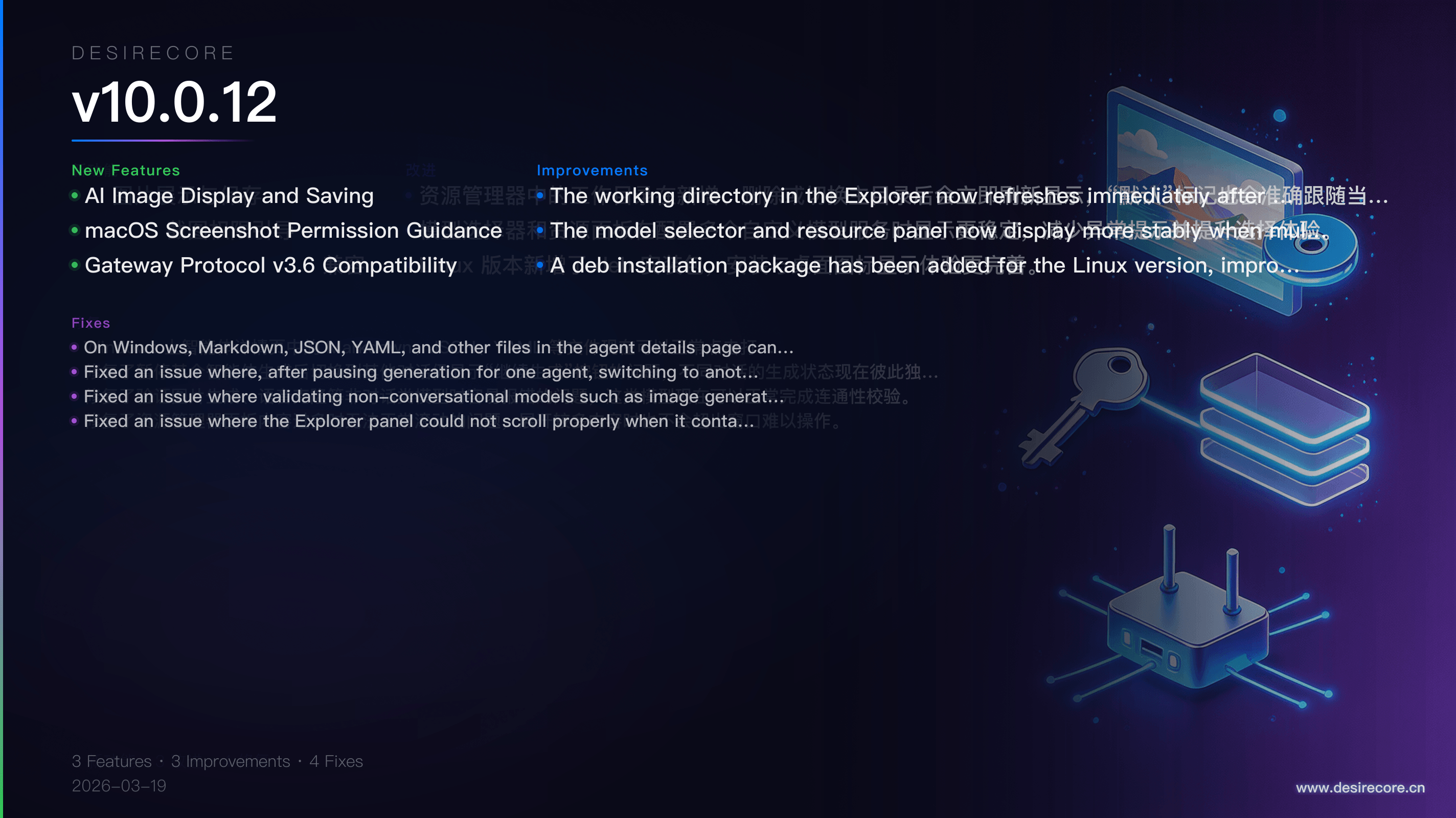
- AI Image Display and Saving: Images generated by agents or tools are now automatically displayed in the conversation, support one-click saving to your local device on hover, and remain available in the history even after refreshing.
- macOS Screenshot Permission Guidance: When using the screenshot feature for the first time on macOS, if screen recording permission has not been granted, the app will proactively prompt you and guide you to System Settings to complete authorization.
- Gateway Protocol v3.6 Compatibility: After connecting to the new HostAgent/Gateway, the app can now properly handle different types of command results, including text, images, and no-return-value responses, with more complete remote capability compatibility.
Fixes
- On Windows, Markdown, JSON, YAML, and other files in the agent details page can now be opened normally by clicking, and no longer fail to respond due to path separator issues.
- Fixed an issue where, after pausing generation for one agent, switching to another conversation would still show the "Resume Generation" button. Generation states are now independent across conversations.
- Fixed an issue where validating non-conversational models such as image generation and voice cloning could easily result in errors. These models can now complete connectivity checks normally.
- Fixed an issue where the Explorer panel could not scroll properly when it contained too much content. Expanding more items will also no longer cause the panel to overflow the window and become difficult to use.
Improvements
- The working directory in the Explorer now refreshes immediately after adding, deleting, or switching the home directory, and the "Default" label will also accurately follow the current home directory.
- The model selector and resource panel now display more stably when multiple custom model services are configured, reducing abnormal prompts and improving the selection experience.
- A deb installation package has been added for the Linux version, improving installation and desktop icon display experience.