DesireCore v10.0.17
Release Date: 2026-03-29
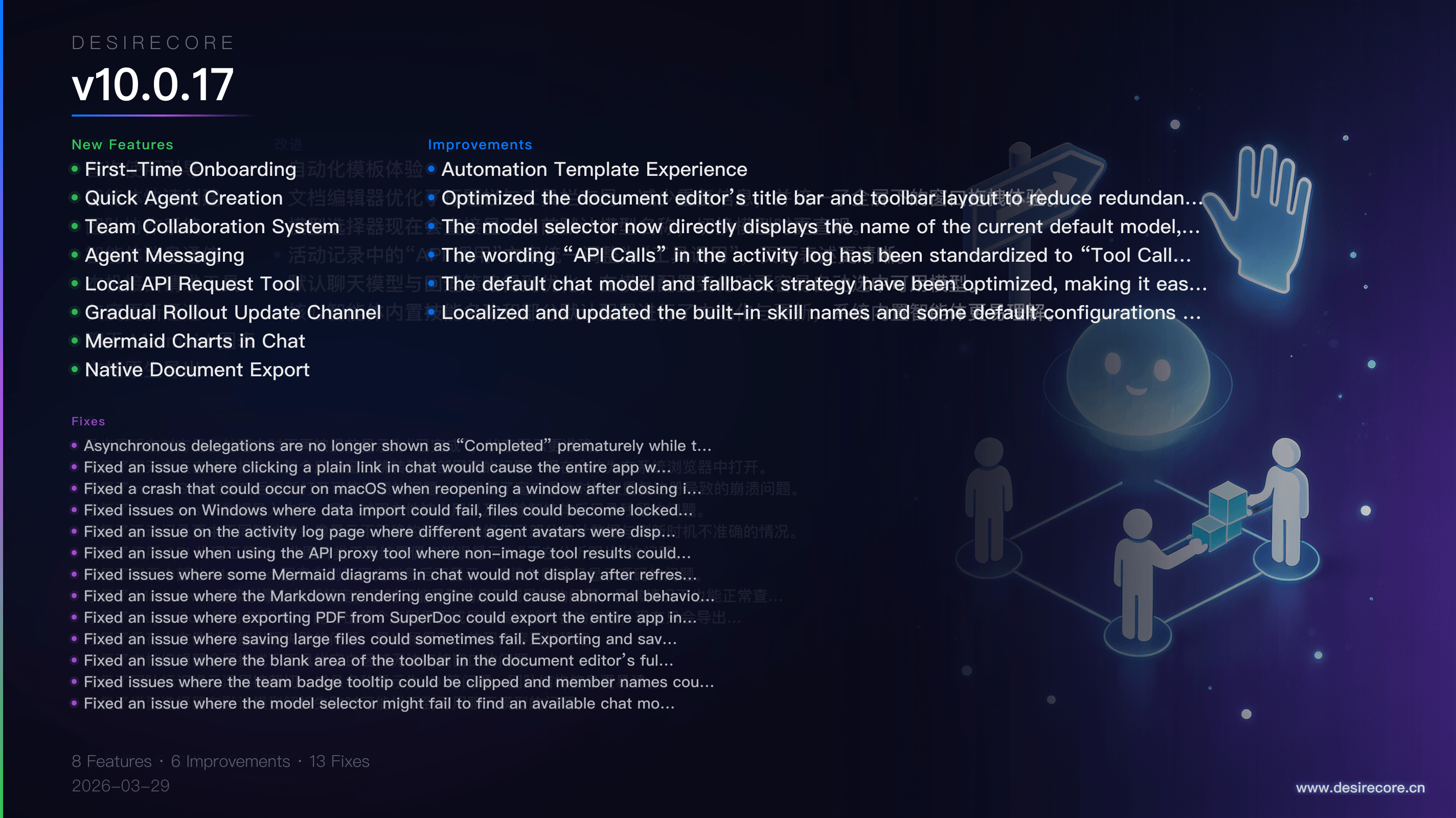
New Features
- First-Time Onboarding: A welcome guide is now shown when you launch the app for the first time, allowing you to review the Terms of Use, Privacy Policy, and anonymous analytics notice before getting started.
- Quick Agent Creation: You can now create a new agent directly from the home page by entering a name and description in a pop-up window, with AI automatically generating the agent configuration.
- Team Collaboration System: Added support for team management and organizational relationships. You can create teams, assign leaders and members, and view the team structure in the relationship graph.
- Agent Messaging: Agents now support lightweight messaging between each other. In addition to task delegation, they can now send notifications, ask questions, report progress, and request help.
- Local API Request Tool: Added a built-in HttpRequest tool, allowing agents to call local APIs without relying on Bash or curl, for more stable cross-platform use.
- Gradual Rollout Update Channel: Added update channel switching in Settings. You can now switch between the stable and beta channels, with the app automatically selecting a more suitable download source.
- Mermaid Charts in Chat: Mermaid code blocks in chat can now be rendered directly as diagrams instead of only showing the source code.
- Native Document Export: SuperDoc now supports exporting DOCX files through the system save dialog, and can also export high-quality PDFs directly.
Fixes
- Asynchronous delegations are no longer shown as “Completed” prematurely while the other side is still processing, making status displays more accurate.
- Fixed an issue where clicking a plain link in chat would cause the entire app window to navigate to the external webpage. Links now open in the system browser instead.
- Fixed a crash that could occur on macOS when reopening a window after closing it, and also fixed crashes caused by duplicate protocol registration when rebuilding windows.
- Fixed issues on Windows where data import could fail, files could become locked during import, and agent directories could remain after deleting an agent.
- Fixed an issue on the activity log page where different agent avatars were displayed incorrectly, and corrected inaccuracies in some statistics and refresh timing.
- Fixed an issue when using the API proxy tool where non-image tool results could occasionally be incorrectly shown as “Analyzing image.”
- Fixed issues where some Mermaid diagrams in chat would not display after refreshing message history, would fail to render, or would only show source code.
- Fixed an issue where the Markdown rendering engine could cause abnormal behavior in the message area when handling certain content. Text content can now still be viewed properly even in such cases.
- Fixed an issue where exporting PDF from SuperDoc could export the entire app interface or the wrong editor content. It now exports only the current document.
- Fixed an issue where saving large files could sometimes fail. Exporting and saving large content is now more stable.
- Fixed an issue where the blank area of the toolbar in the document editor’s full-screen mode could not be used to drag the window.
- Fixed issues where the team badge tooltip could be clipped and member names could appear as IDs, making team structure information easier to read.
- Fixed an issue where the model selector might fail to find an available chat model when parsing the default model failed.
Improvements
- Automation Template Experience: Improved readability in light mode on the automation templates page, horizontal category scrolling, preview icon display, and the back navigation experience.
- Optimized the document editor’s title bar and toolbar layout to reduce redundant information, and unified the window-dragging experience in full-screen mode.
- The model selector now directly displays the name of the current default model, making model switching more intuitive.
- The wording “API Calls” in the activity log has been standardized to “Tool Calls” for clearer terminology.
- The default chat model and fallback strategy have been optimized, making it easier to automatically select an available model when model configurations change.
- Localized and updated the built-in skill names and some default configurations for core agents, making the system’s built-in agents easier to understand.