DesireCore v10.0.28
Release Date: 2026-04-13
New Features
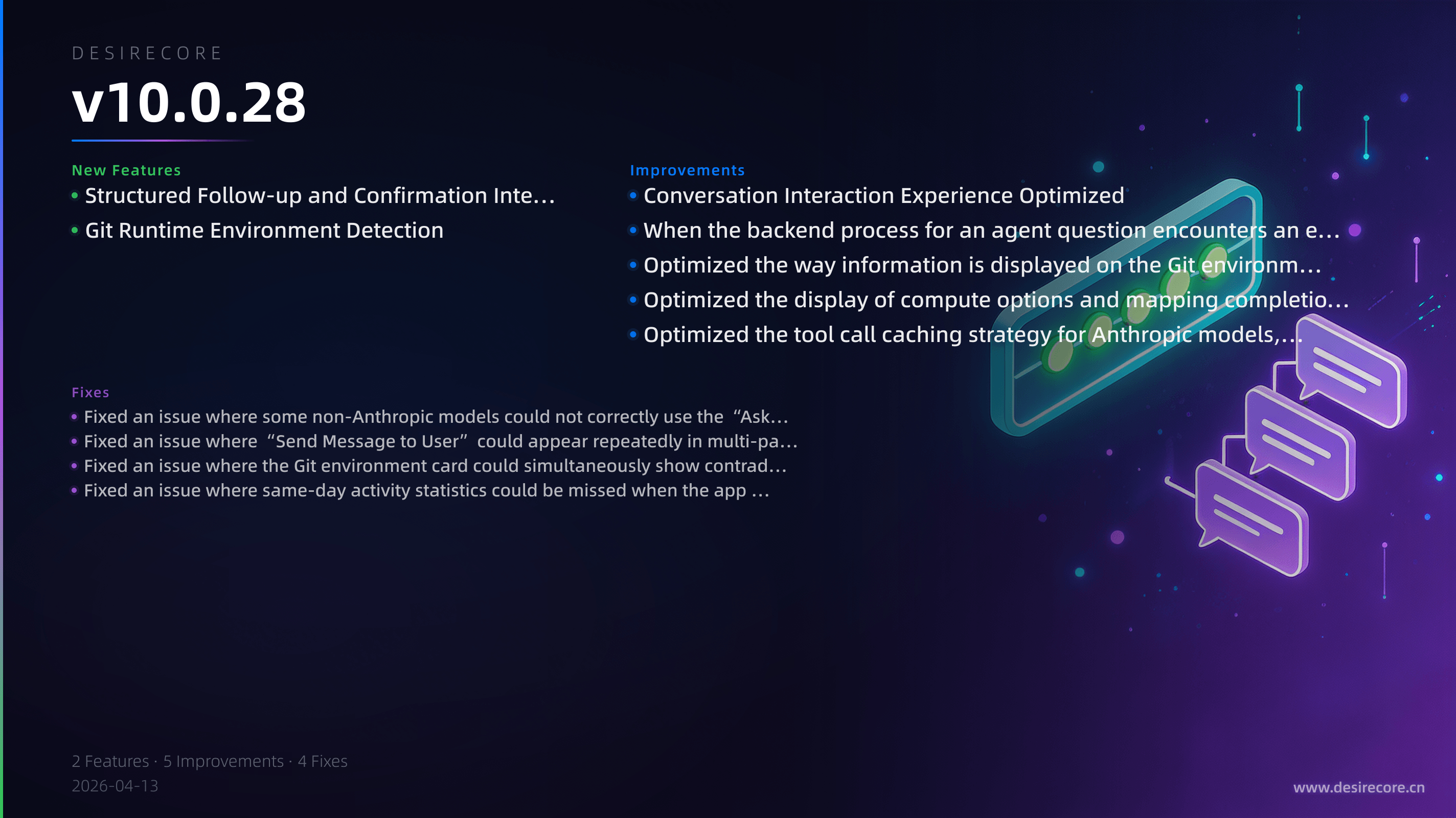
- Structured Follow-up and Confirmation Interactions: When the agent needs you to provide additional information, make a choice, or confirm a high-risk action, it can now initiate structured questions directly in the conversation, and you can reply, add details, or skip through dedicated interactive cards.
- Git Runtime Environment Detection: Under “Resource Explorer → Compute Resources → Runtime Environment,” Git detection information has been added, allowing you to check whether Git is installed, its version and path, and whether the current environment is using native Git or the built-in compatibility backend.
Fixes
- Fixed an issue where some non-Anthropic models could not correctly use the “Ask the User” capability. Agents can now initiate clarification and confirmation requests properly across more models.
- Fixed an issue where “Send Message to User” could appear repeatedly in multi-paragraph content. Long messages are now displayed more accurately without duplication.
- Fixed an issue where the Git environment card could simultaneously show contradictory states such as “Native Git” and “Not Installed.” Environment detection results are now more consistent and reliable.
- Fixed an issue where same-day activity statistics could be missed when the app remained running for a long time. Usage statistics are now more accurate when used across midnight.
Improvements
- Conversation Interaction Experience Optimized: Content from agent questions can now be restored from conversation history, and your replies can be merged back into the original card for more coherent context viewing.
- When the backend process for an agent question encounters an error or remains unresponsive for an extended period, the interface will later provide a “Skip” option to prevent you from getting stuck in an interaction that cannot be closed.
- Optimized the way information is displayed on the Git environment card. When Git is not installed, it will now explicitly show “Not Installed,” making the overall presentation clearer and more consistent with other environment items.
- Optimized the display of compute options and mapping completion in model service configuration, making related model selection and default service display more complete.
- Optimized the tool call caching strategy for Anthropic models, improving efficiency and reducing costs in scenarios where tool definitions are reused repeatedly.