DesireCore v10.0.69
Release Date: 2026-05-29
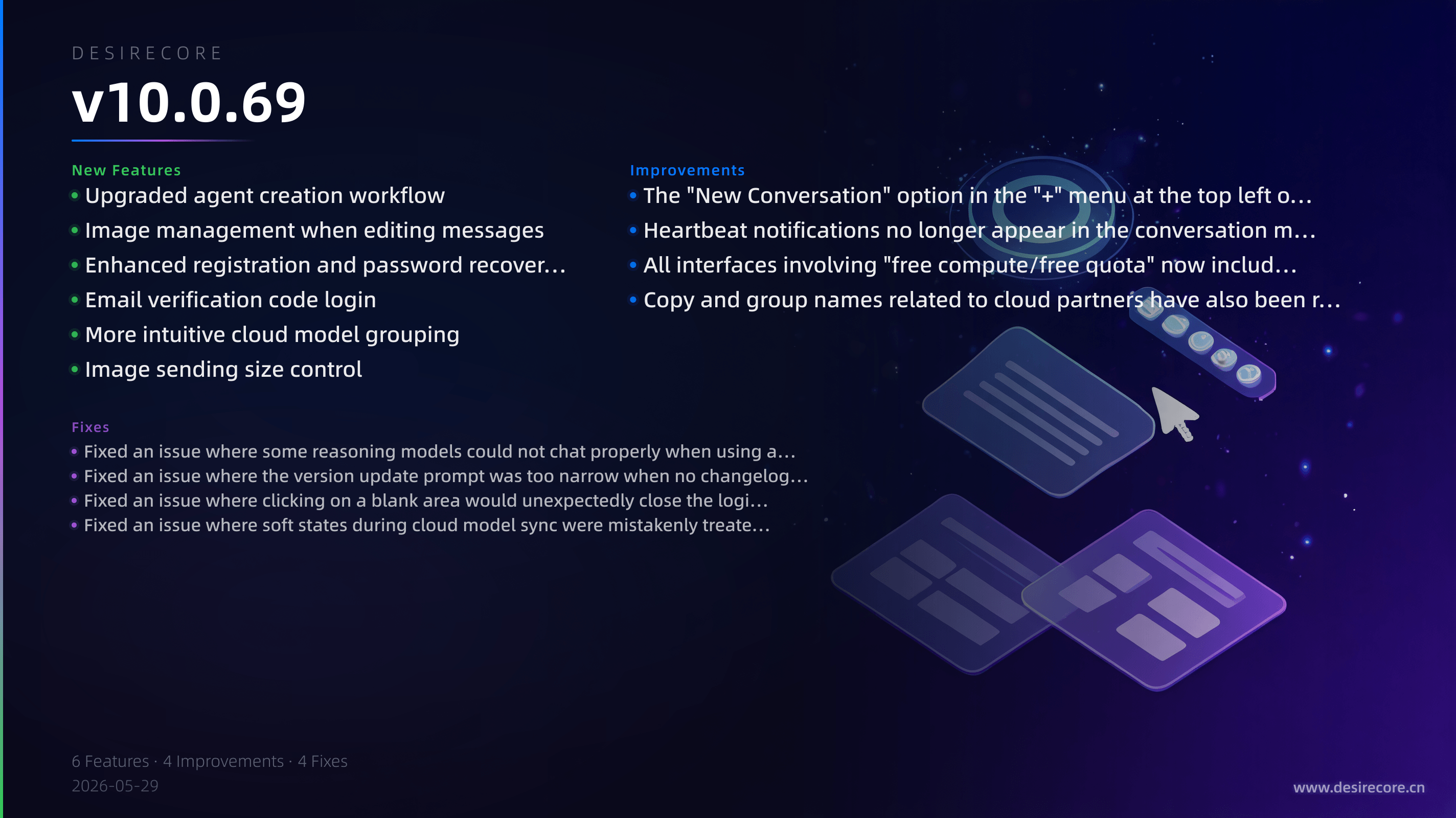
New Features
- Upgraded agent creation workflow: When creating an agent, you can now manually enter its name, persona, principles, and color scheme directly, or have DesireCore visibly help you complete the creation process within the conversation.
- Image management when editing messages: When editing sent messages, you can now delete existing images, add new ones, paste images, and preview them in full screen.
- Enhanced registration and password recovery experience: Registration now includes password confirmation and password strength tips, and password reset after forgetting your password is now supported via an email verification code.
- Email verification code login: Post-registration email verification now uses a 6-digit verification code. After successful verification, you will be logged in automatically without needing to return to the login page.
- More intuitive cloud model grouping: After logging in, the resource panel will immediately display cloud partner groups and pin them to the top. You can also view sync status and manually refresh directly from the group header.
- Image sending size control: Images are now automatically compressed when sent to keep the size of each send under control. If the limit is exceeded, a clear prompt will appear to prevent oversized images from causing send failures or crowding out the context.
Fixes
- Fixed an issue where some reasoning models could not chat properly when using a custom DeepSeek gateway due to role incompatibility.
- Fixed an issue where the version update prompt was too narrow when no changelog was available, causing the action buttons at the bottom to be cut off.
- Fixed an issue where clicking on a blank area would unexpectedly close the login dialog or profile editing dialog, causing entered content to be lost.
- Fixed an issue where soft states during cloud model sync were mistakenly treated as failures, causing repeated error popups or incorrectly showing "Load failed."
Improvements
- The "New Conversation" option in the "+" menu at the top left of the home page has been renamed to "Select Conversation" to reduce ambiguity.
- Heartbeat notifications no longer appear in the conversation message stream and are now shown consistently in a top banner, making things cleaner and preventing interference between different agents.
- All interfaces involving "free compute/free quota" now include partner information, making the source of the compute resources more transparent.
- Copy and group names related to cloud partners have also been refined for more accurate and consistent presentation.