DesireCore v10.0.43
Release Date: 2026-05-01
New Features
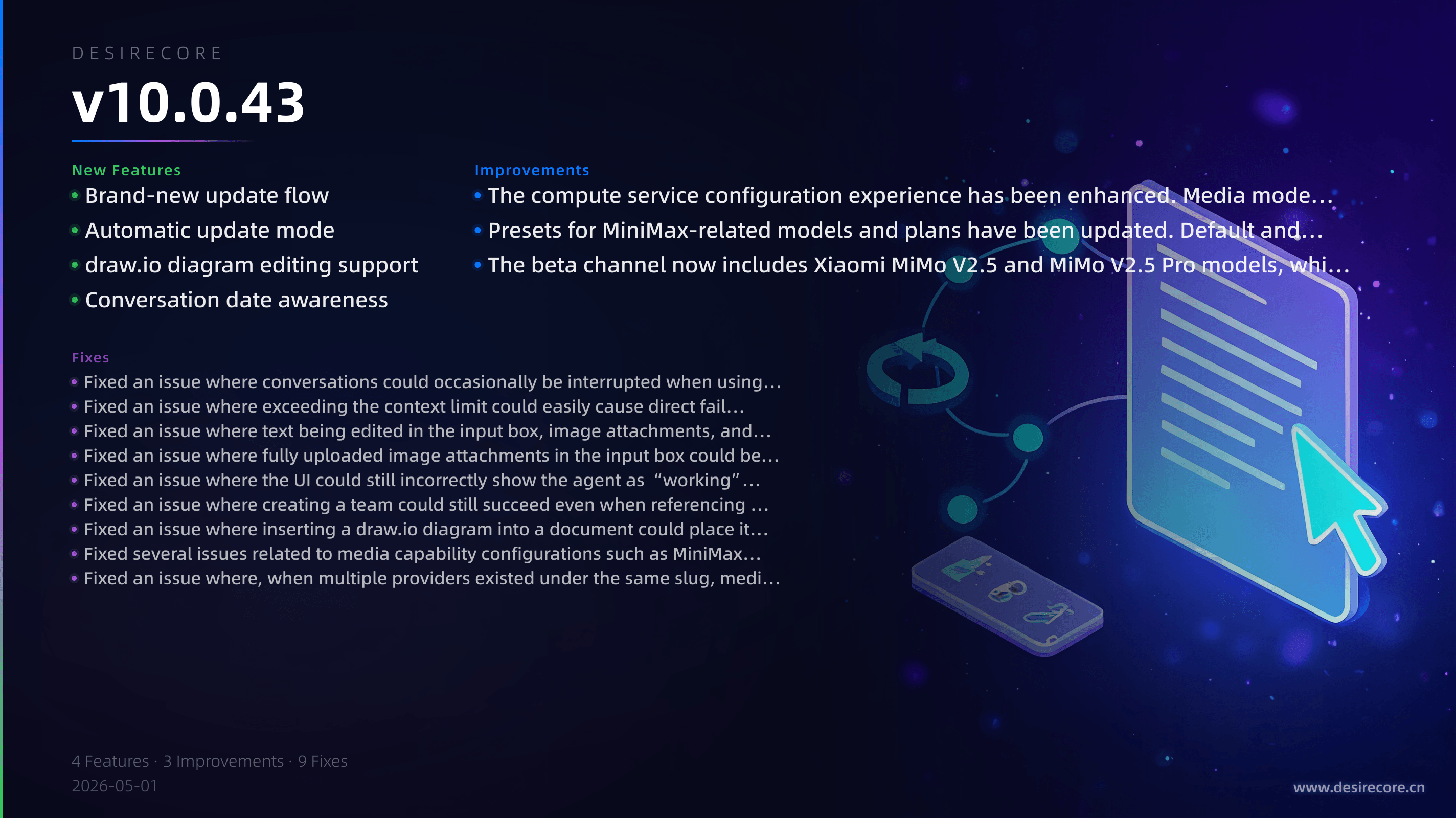
- Brand-new update flow: When the app detects a new version, it will first show the release notes and offer five options—“Update Now,” “Update in Background,” “Automatically Update Next Time,” “Skip This Version,” and “Later”—so you can decide more precisely when to upgrade.
- Automatic update mode: You can now enable automatic updates for the current update channel. Future versions will be downloaded automatically in the background, and once ready, you’ll be prompted with a countdown reminder to restart and install.
- draw.io diagram editing support: You can now insert and edit draw.io diagrams directly in the agent file editor, with real-time rendered previews in documents.
- Conversation date awareness: During long conversations, agents now automatically detect the current local date and day changes across midnight, reducing errors in time-related responses such as “today” and “tomorrow.”
Fixes
- Fixed an issue where conversations could occasionally be interrupted when using some Anthropic-compatible gateways due to abnormal streaming event ordering, improving overall conversation stability.
- Fixed an issue where exceeding the context limit could easily cause direct failures across various models and gateways. The system now degrades and retries more intelligently while preserving generated content whenever possible.
- Fixed an issue where text being edited in the input box, image attachments, and input state could be cleared when an agent invoked the edit tool and automatically opened the SuperDoc split view.
- Fixed an issue where fully uploaded image attachments in the input box could be lost after switching between different conversations.
- Fixed an issue where the UI could still incorrectly show the agent as “working” after generation was paused. The status display is now consistent with the “Continue Generating” button.
- Fixed an issue where creating a team could still succeed even when referencing non-existent member agents, which could then cause abnormal team workspace binding.
- Fixed an issue where inserting a draw.io diagram into a document could place it at the beginning instead of at the cursor position, and where it could not be rendered immediately after insertion.
- Fixed several issues related to media capability configurations such as MiniMax, including playback errors for empty media files, upload errors for empty files, and errors that could occur on some provider detail pages.
- Fixed an issue where, when multiple providers existed under the same slug, media skills could incorrectly match a provider without a configured key first, preventing normal use.
Improvements
- The compute service configuration experience has been enhanced. Media models can now be validated for availability more accurately, and the system will proactively warn you if a MiniMax API Key and Token Plan Key are entered in the wrong places.
- Presets for MiniMax-related models and plans have been updated. Default and selectable models for media skills are now more complete, and naming is clearer and more consistent when using Token Plan.
- The beta channel now includes Xiaomi MiMo V2.5 and MiMo V2.5 Pro models, which can be selected directly in supported environments.