DesireCore v10.0.73
Release Date: 2026-06-05
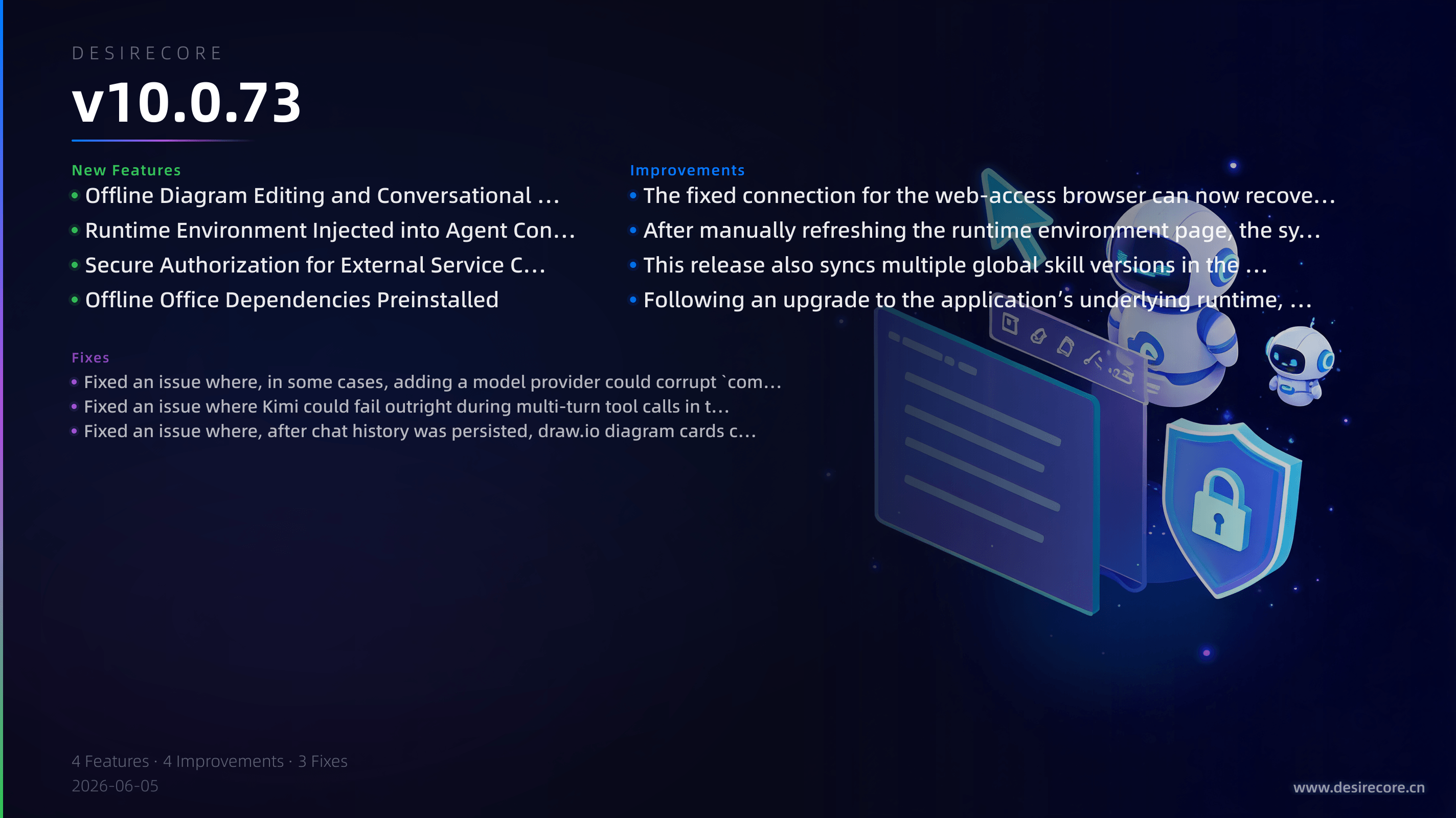
New Features
- Local offline draw.io diagramming: You can now generate diagrams in conversations and edit draw.io diagrams in Agent resources or Markdown, with full professional diagramming capabilities available even when offline.
- Clone Agent: A new "Clone Agent" option has been added to the chat interface, allowing you to quickly duplicate an existing agent and automatically switch to the copy, making it easy to continue editing based on an existing configuration.
- More secure external service authorization: When an agent accesses HTTP, MCP, script, or Bash tools, authorization can now be completed without exposing plaintext credentials to the agent or the model.
- Smarter PDF reading routing: When reading PDFs, text content is now extracted from text pages first, and visual capabilities are invoked only for charts or scanned pages, making reading faster, supporting more pages, and making it less likely to exhaust the context window.
- Runtime environment injection and refresh feedback: Agents can now perceive more complete system and runtime environment information, and manually refreshing on the "Runtime Environment" page will now clearly indicate whether the refresh was successful.
Fixes
- Fixed an issue where agents might fail to find local tools such as Homebrew, nvm, and conda when the app was opened from a desktop icon or launcher.
- Fixed an issue where PATH parsing could be incomplete in some zsh environments, so tool paths defined in
.zshrccan now be correctly recognized. - Fixed an issue where the model list could be cleared after
compute.jsonbecame corrupted in certain cases, and the app will now automatically attempt recovery when configuration exceptions occur. - Fixed an issue where Kimi could error out and stop during multi-turn tool calls in thinking mode.
- Fixed issues in SuperDoc inline diff review where accepting changes could be undone, positions could become misaligned, and pure deletions could not be rejected.
- Fixed an issue in "Resource Management / Switch Model" where the "Use default configuration" text could be squeezed into a vertical layout.
Improvements
- Clearer model switching prompt: In the Resource Management panel, switching models now explicitly indicates that it will not affect the current session or memory, reducing concerns about accidental actions.
- Offline dependencies preinstalled for Office skills: The dependencies required for document-related skills now come preinstalled with the app and can be reused across platforms, making first-time use faster and better suited for offline scenarios.
- Browser access-related capabilities can now automatically recover after the browser is closed or disconnected, making it less likely to get stuck in a specific browser state.
- The built-in Skill Marketplace has been synced with the new version content, and upgraded users can now properly receive updates to some global skills.