DesireCore v10.0.81
Release Date: 2026-06-29
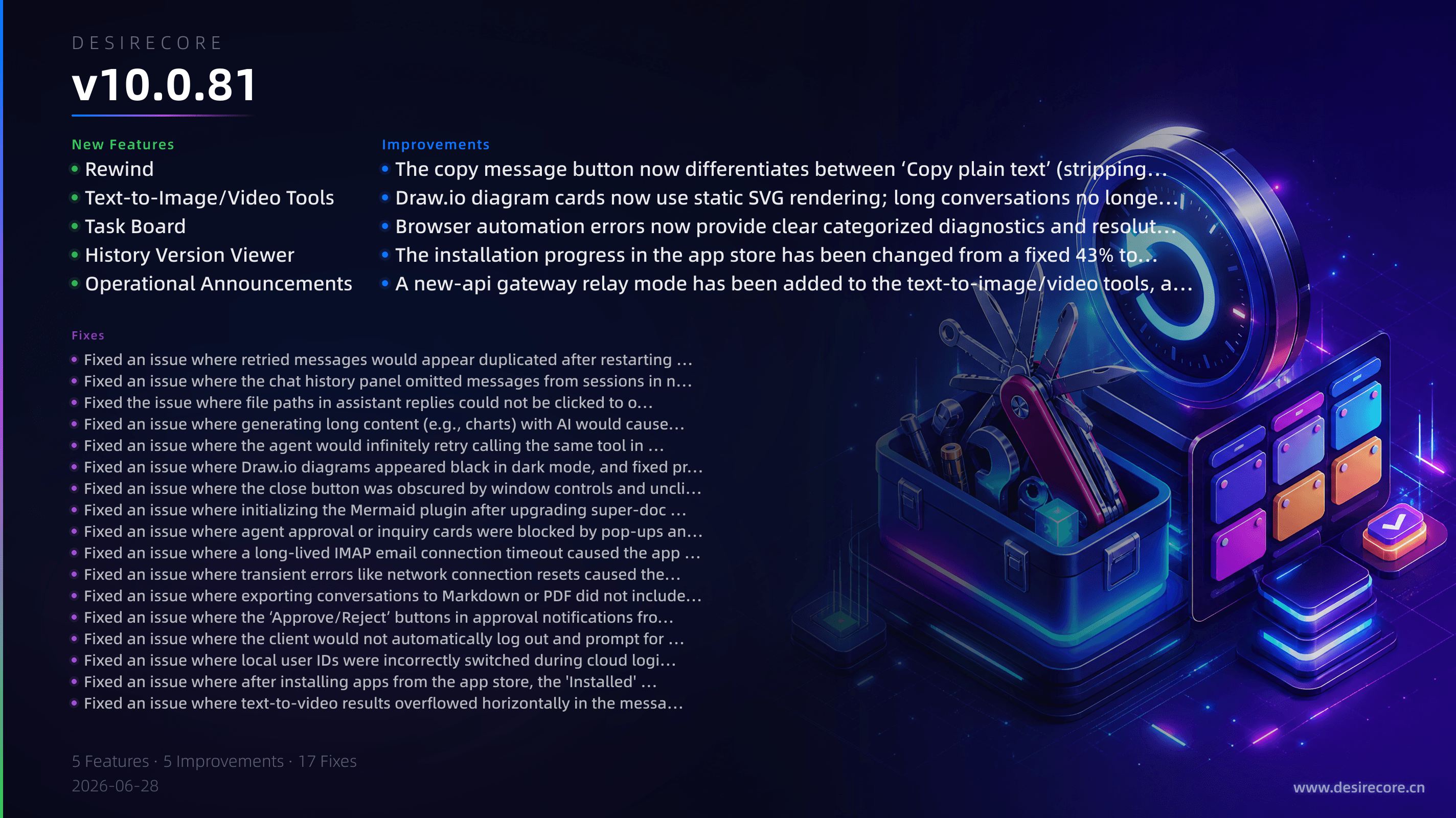
New Features
- AI text-to-image and text-to-video tools: Added built-in tools GenerateImage and GenerateVideo, supporting providers such as MiniMax, Volcengine Ark, and Alibaba Happy Horse. Generate images or videos with one click and preview them directly in the conversation.
- Conversation rollback: Go back to any previous message in the chat history with one click. Automatically restores world state such as files, media, and memories, while preserving old conversation branches.
- Operations announcement banner: A dismissible announcement banner has been added to the top of the agent list, used for displaying notices like system maintenance and promotional events.
- LLM task tool and floating task board: When performing complex tasks, the Agent can automatically create and track a task list. Users can view progress and status in real time via a floating task board.
- Marketplace metadata registry and external item support: The marketplace has been upgraded to a metadata registry. Third-party skills can now be fetched via source pointer and automatically pulled during installation, while built-in content remains unchanged.
- Markdown editor history button: Added a file commit history viewer in Super Document and Resource Manager, allowing browsing of the full Git revision history of a file.
- Copy as plain text: The "Copy" button now distinguishes between "Copy plain text" and "Copy Markdown". The former strips syntax markers while preserving images, links, and attachment information.
- Conversation export with embedded images: When exporting conversations as Markdown or PDF, AI-generated images are automatically embedded as base64, and thinking blocks are rendered correctly.
Fixes
- Duplicate message after retry and client restart: The issue where the same message appeared twice after retrying or editing has been fixed.
- Chat history panel missing some sessions: The chat history and message search in the top-right corner now fully display conversations in all states, no longer omitting failed or running conversations.
- Approval dialog unclickable: Fixed an issue where the edit modal overlay blocked approval/inquiry cards, preventing clicks. Approval cards now always stay on top and are interactive.
- Notification center approval unresponsive: Fixed the issue where approval buttons in the notification center were unresponsive after renderer reloading. Button states now stay consistent with the chat cards.
- IMAP timeout causing main process crash: Email IMAP connection timeouts no longer trigger a crash dialog. The connection now silently reconnects automatically after a failure.
- Global error handling: Transient network errors (such as disconnections) no longer show native Electron error dialogs; they are now silently logged.
- draw.io diagram rendering fixes: draw.io diagram cards in conversations are now rendered as static SVG previews. This fixes issues like diagrams appearing black in dark mode, edits not being saved, and sending outdated images to the AI.
- Mermaid diagram fullscreen preview layering conflict: Fixed issues where window controls showed through in fullscreen mode and the close button was blocked by the drag area.
- Stream abort errors unexpectedly terminating conversations: When the stream disconnects during long AI output, it now retries properly instead of treating it as a fatal error and aborting the session.
- Background token expiry not logging out automatically: When the cloud login session expires, the client now prompts for re-login instead of silently failing.
- Unclickable file paths in assistant replies: Absolute
.mdpaths in assistant messages are now reliably rendered as clickable links, working even after reload or across different messages. - Infinite retries on repeated tool errors: The system now automatically breaks the circuit and stops retrying when the same tool fails repeatedly in the same way, preventing wasted tokens.
- Video width overflow inside message bubbles: Fixed the issue where videos exceeded the container in narrow bubbles; video width now adjusts responsively.
- Local identity switching error: Fixed an issue where local user configuration could unexpectedly switch during cloud login/logout, causing memory/preference directories to drift.
Improvements
- Closed-loop app installation: After installation, the installed apps list displays correctly, supporting operations like open, start, stop, restart, and update. Services are automatically spawned after installation.
- Notification center approval robustness improvement: Approval button states are now read in real time and automatically expire after timeout, preventing buttons from being displayed permanently.
- Local identity stabilization: The local user ID created for the first time now uses a stable UUID derived from the machine identifier and system user.
- PDF viewer color tokenization: Toolbar and container colors now use design tokens, laying the groundwork for future theme adaptations.
- Removal of gray-matter dependency: Replaced with an internal frontmatter parsing module based on eemeli/yaml, eliminating security risks and reducing dependencies.
- CDP browser diagnostics enhancement: Provides detailed error classification and repair suggestions when the browser is unavailable, making it easier to troubleshoot.
- Build toolchain upgrade: Upgraded to electron-vite v6 + Vite 8 (Rolldown), TypeScript 6.0, sharp 0.35, etc., and fixed related compatibility issues.
- Multiple dependency security fixes: Fixed several high-severity vulnerabilities in npm audit, including nodemailer, js-yaml, tar, and vite.