DesireCore v10.0.85
Release Date: 2026-07-14
New Features
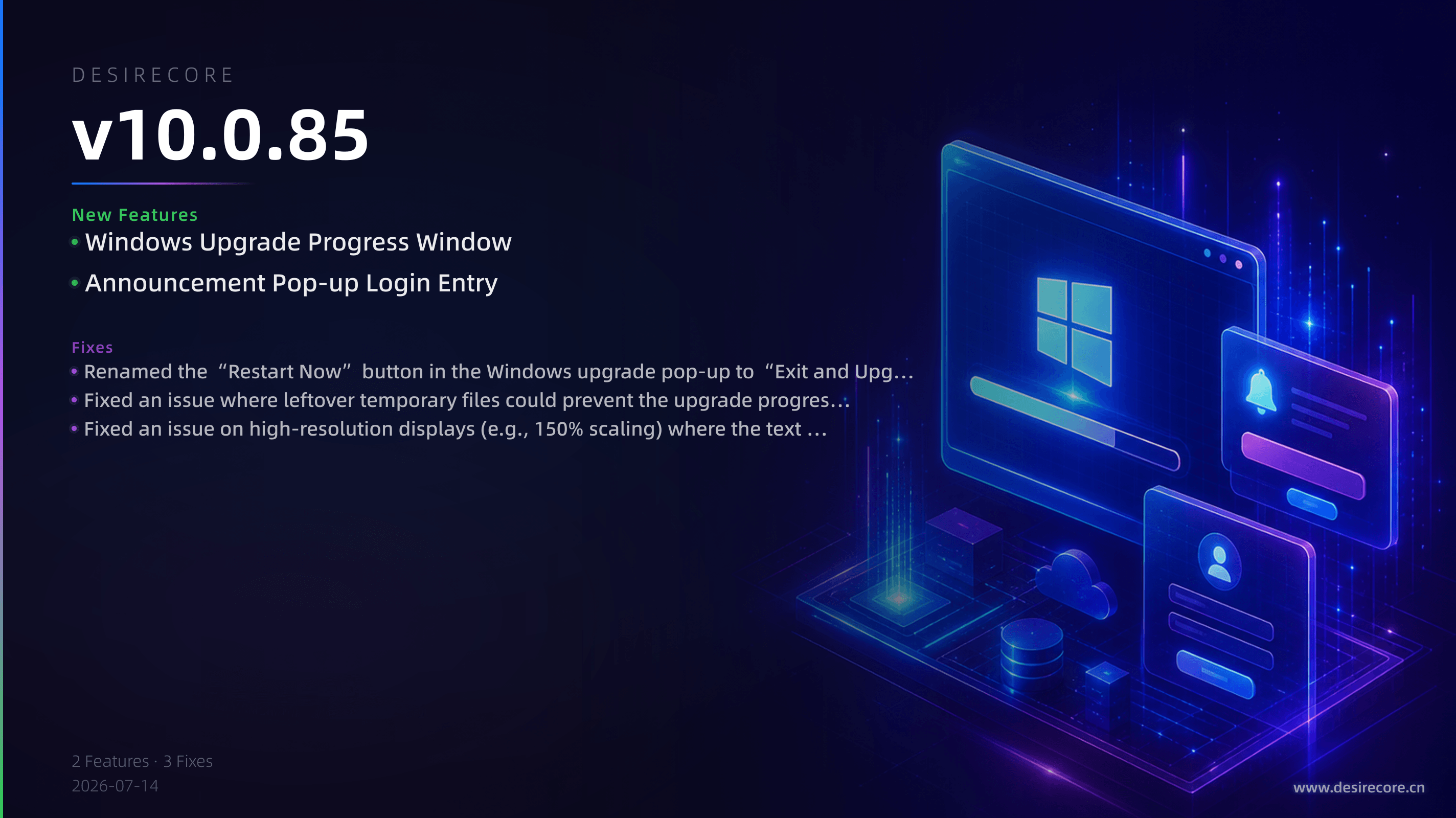
- Windows Upgrade Progress Window: After clicking the upgrade button on Windows, a separate progress window now appears, showing the entire installation progress visually. Once complete, you can launch the new version directly, so a long silent install is no longer mistaken for a failed upgrade.
- Announcement Pop-up Login Entry: The upgrade announcement pop-up now includes an “Already have an account? Log in” link. Existing users can go straight to the login screen without navigating back to the main interface manually.
Fixes
- Renamed the “Restart Now” button in the Windows upgrade pop-up to “Exit and Upgrade Automatically”, removing the misleading label caused by a process that does not actually restart automatically.
- Fixed an issue where leftover temporary files could prevent the upgrade progress window from appearing, leaving the application to exit with no response at all.
- Fixed an issue on high-resolution displays (e.g., 150% scaling) where the text of the “Open Installation Directory” button in the upgrade failure prompt was truncated.