DesireCore v10.0.70
Release Date: 2026-06-02
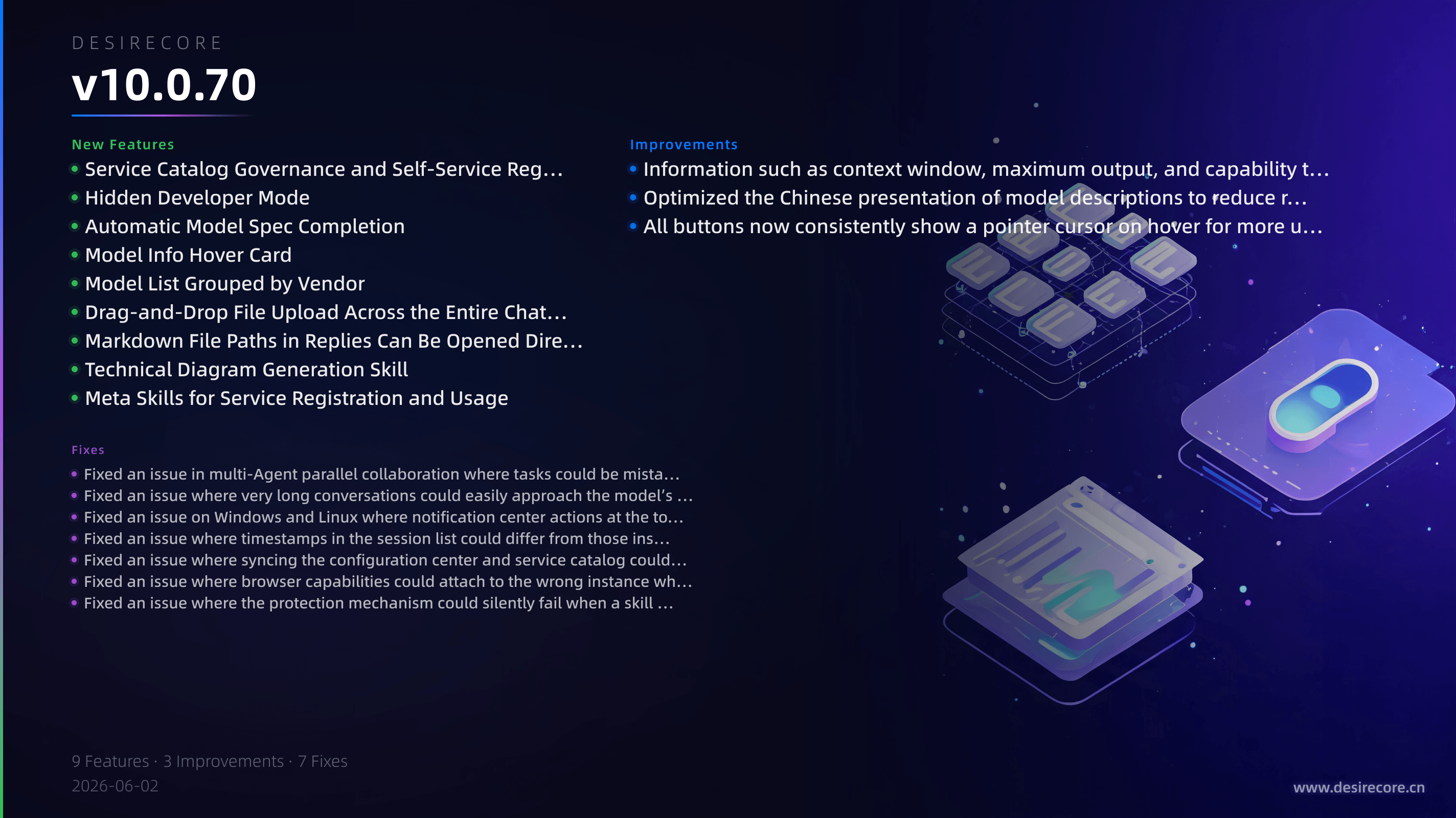
New Features
- Service Catalog Governance and Self-Service Registration: Agents can now register external services and initiate approval, listing, or rejection workflows within the app. Services exposed by installed apps will also automatically appear in the service catalog with their health status displayed.
- Hidden Developer Mode: Go to “Settings > About” and click the version number 7 times in a row to enable Developer Mode. You can then use a separate entry point to manage debugging features, switch login backends, and send test notifications.
- Automatic Model Spec Completion: When adding or syncing models, key information such as context length, output limits, and capability tags will now be filled in automatically. When adding a model manually, entering the model name will also auto-populate any recognizable fields.
- Model Info Hover Card: In the model selector during chat, hovering over a model now shows its description, context window, and full capability tags, making model selection more intuitive.
- Model List Grouped by Vendor: The model selection list is now grouped by vendor and sorted by name, making it easier to find models in the same family.
- Drag-and-Drop File Upload Across the Entire Chat Area: Files can now be dragged into the entire chat area, not just the input box, with clear highlighting to indicate the drop zone.
- Markdown File Paths in Replies Can Be Opened Directly: When an Agent includes the path to a
.mdfile it actually generated in a reply, you can click it to open it directly in the editor. - Technical Diagram Generation Skill: The skill marketplace now includes the tech-diagram skill, which can generate various Mermaid technical diagrams—such as architecture diagrams, flowcharts, and sequence diagrams—directly from natural language descriptions, with support for multiple visual styles.
- Meta Skills for Service Registration and Usage: The skill marketplace now includes meta skills for registering and using services, making it easier for Agents to integrate external service capabilities more naturally.
Fixes
- Fixed an issue in multi-Agent parallel collaboration where tasks could be mistakenly delegated across teams. Cross-team fan-out is now automatically blocked, filtered, or routed to you for approval to prevent unrelated Agents from being activated unexpectedly.
- Fixed an issue where very long conversations could easily approach the model’s context limit. The system now automatically compresses older content while preserving summaries, reducing the chance of abnormal responses caused by excessive context length.
- Fixed an issue on Windows and Linux where notification center actions at the top could overlap with window control buttons, making “Mark all as read / Clear all” difficult to click.
- Fixed an issue where timestamps in the session list could differ from those inside the chat, and where the first entry after refresh could jump unexpectedly. Date and time display is now more accurate and stable.
- Fixed an issue where syncing the configuration center and service catalog could fail to parse—or even cause abnormal service startup—due to local conflict markers.
- Fixed an issue where browser capabilities could attach to the wrong instance when multiple Chromium-based browsers were installed, and added support for Edge as well as fixes for some abnormal page redirect behavior.
- Fixed an issue where the protection mechanism could silently fail when a skill lock file was corrupted, reducing the risk of modified skills being overwritten unexpectedly.
Improvements
- Information such as context window, maximum output, and capability tags for cloud models is now maintained in a unified spec library, making model parameters more accurate and allowing updates to take effect automatically with configuration changes.
- Optimized the Chinese presentation of model descriptions to reduce reading disruption caused by mixed Chinese and English text.
- All buttons now consistently show a pointer cursor on hover for more uniform interaction feedback.