DesireCore v10.0.93
Release Date: 2026-07-21
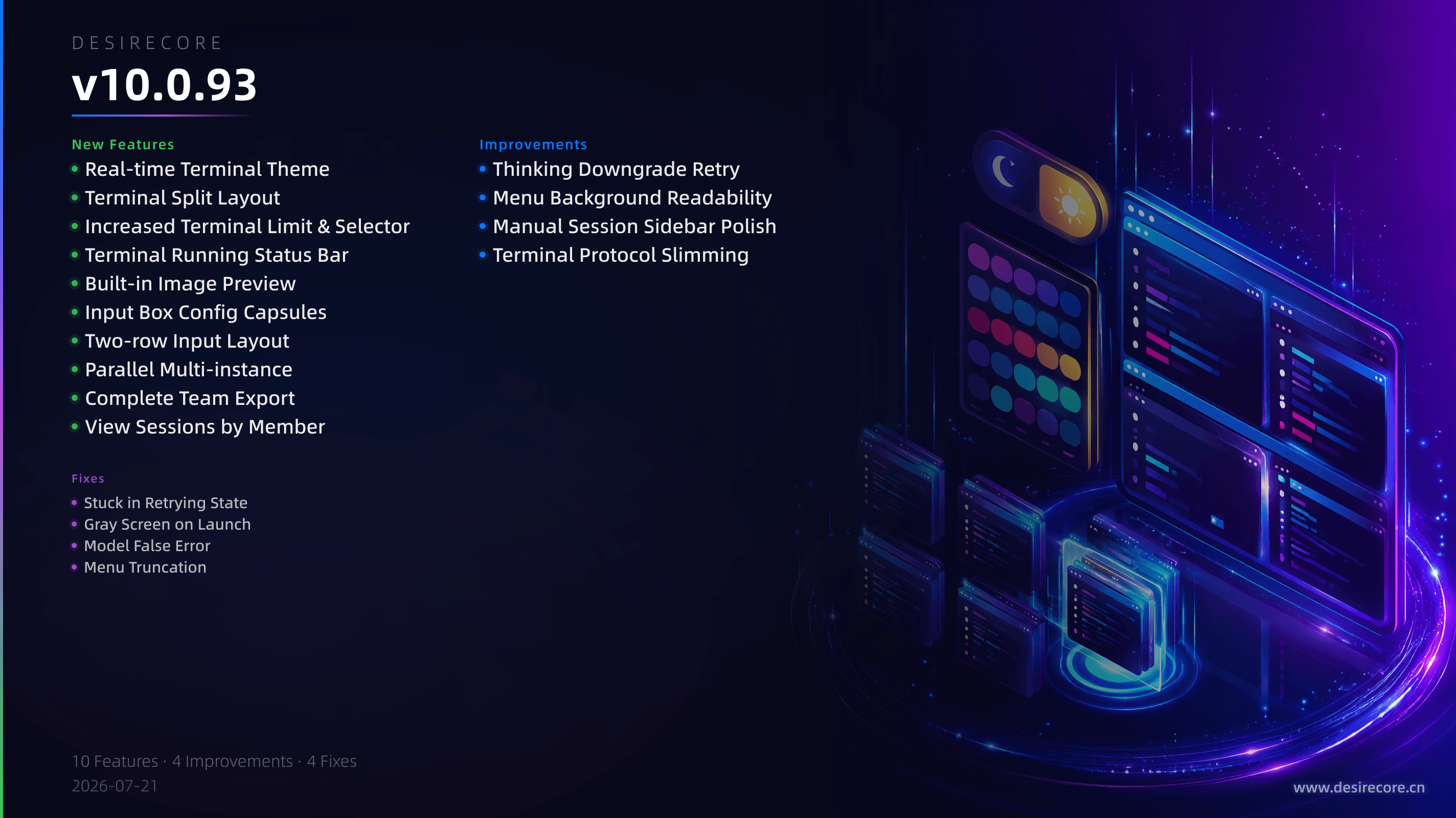
New Features
- Real-time Terminal Theme: Terminal colors now automatically follow the system light/dark mode — no need to reopen the terminal.
- Terminal Split Layout: A new Split mode in the terminal panel places the terminal on the left half-screen and narrows the conversation area to the right; one-click switch with the bottom floating Dock mode.
- Increased Terminal Limit & Selector: Maximum terminals per Agent raised from 5 to 1000; when exceeding 12 terminals, the tab bar and status bar collapse into a "+N" button that opens a searchable selector for quick jumping.
- Terminal Running Status Bar: A compact status bar below the input box now shows a chip whenever any Agent terminal is running; click to open the terminal panel.
- Built-in Image Preview: Image attachments and thumbnails in messages support in-app split preview with zoom, pan, fit, and immersive mode (Alt+click for direct immersive).
- Input Box Config Capsules: New approval mode capsule (left) and a combined model/thinking depth capsule (right) in the input box, allowing quick switching of approval levels and model parameters without opening the resource panel.
- Two-row Input Layout: The input area now takes the full width; the toolbar (attachments, screenshots, capsules, send button, etc.) sits on a second row, greatly expanding input space.
- Parallel Multi-instance: In development mode, use
--hometo start isolated parallel instances with one click; in production, when a duplicate is started, an instance selector appears allowing you to create a new data directory or reuse an existing one. - Complete Team Export: Team export now includes the full subtrees: team shared memory, shared skills, team prompt, member declarations, and working directory — no longer packaging only
team.json. - View Sessions by Member: The
InspectRunstool now supports passing a member name or ID directly to locate their latest session, matching the member resolution rules of theDelegatetool exactly.
Fixes
- Stuck in Retrying State: In manual multi-session mode, the "Retrying…" indicator no longer gets stuck after a background delegate session completes; complete events are now matched precisely to the correct session.
- Gray Screen on Launch: Fixed a critical issue where extremely large run log files (tested at 988MB) caused a V8 memory overflow during startup, resulting in a gray screen; reading is now bounded.
- Model False Error: Fixed a race condition where the model capsule in the input box would occasionally show "Provider removed, current model unavailable" on first startup.
- Menu Truncation: Fixed the chat header "…" menu being cut off at the bottom of the window when there were too many items (e.g., 20 in team mode); switched to a two-column layout.
Improvements
- Thinking Downgrade Retry: When a tool call violates constraints in thinking mode, the failed request is no longer replayed as-is; a first violation gets one retry, and a second consecutive hit on the same violation automatically downgrades the thinking mode and continues execution.
- Menu Background Readability: Popup menus for the approval mode and model/thinking depth capsules now use opaque backgrounds, preventing underlying text from bleeding through and interfering.
- Manual Session Sidebar Polish: The manual multi-session sidebar now features loading skeletons, error messages, and enter/exit animations; deletion uses a custom confirmation dialog instead of the browser’s native alert.
- Terminal Protocol Slimming: The terminal list no longer includes up to 500KB of buffer content per terminal; content is now fetched on demand, avoiding hundreds of MB of data transfer when many terminals are open.