DesireCore v10.0.88
Release Date: 2026-07-16
New Features
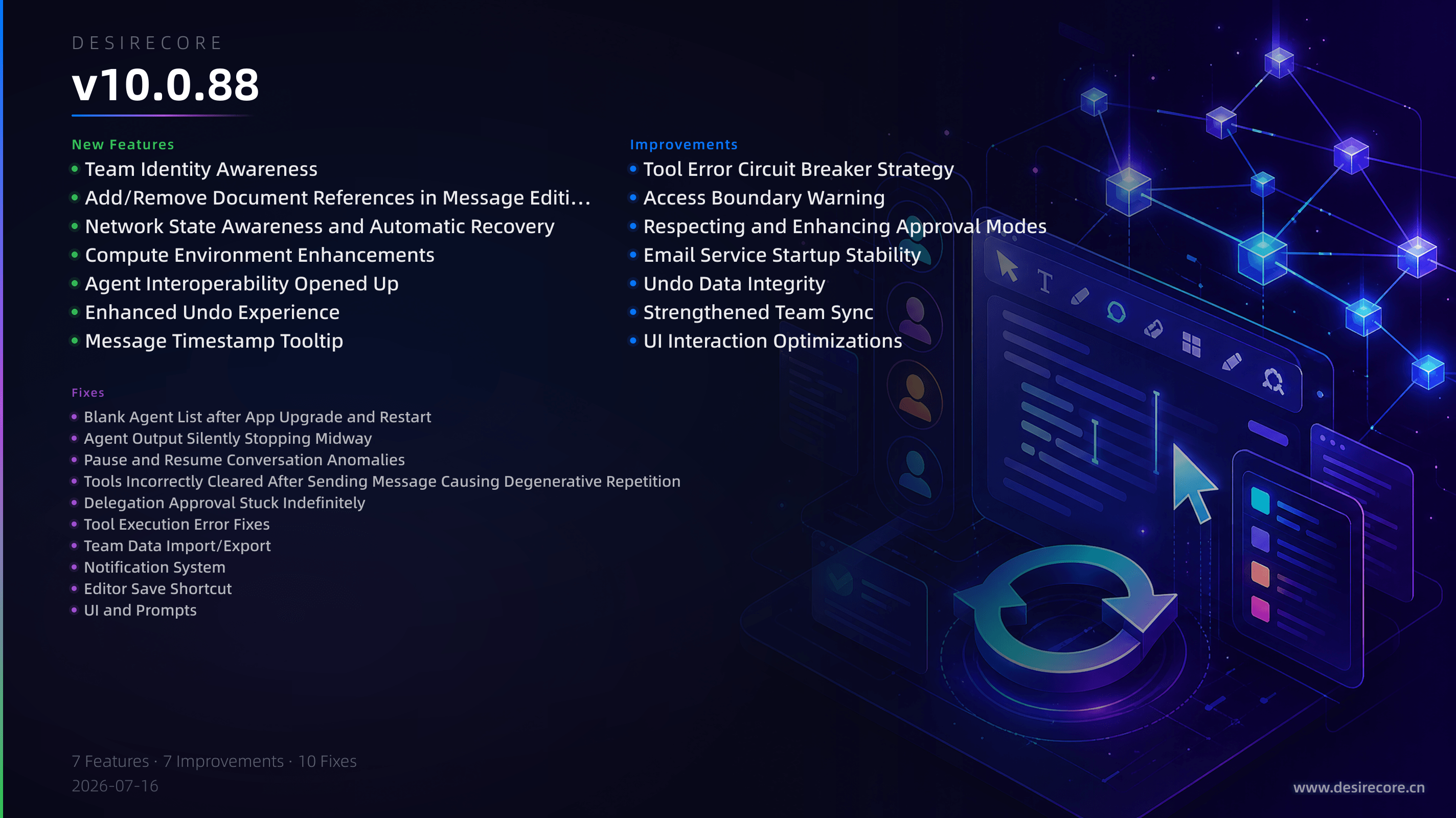
- Team Identity Awareness: Agents can now recognize whether they are a lead or a member, automatically becoming aware of their role and team structure during conversations, making collaborative tasks more efficient.
- Add/Remove Document References in Message Editing: When editing a message with attached documents, you can freely remove or replace referenced documents, aligning with the current image-editing capability.
- Network State Awareness and Automatic Recovery: The app now includes network health detection. When the connection drops, in-progress tasks will be automatically suspended and retried instead of failing outright; the interface shows real-time network anomaly hints and recovery status.
- Compute Environment Enhancements: The runtime environment page now detects and displays macOS Homebrew; the built-in npm package manager can be recognized and invoked by Agents; Git tools support automatic best-fit version selection or manual source switching, and will no longer mistakenly pop up an installation window due to missing developer tools.
- Agent Interoperability Opened Up: A team lead can now directly instruct an Agent to modify a member’s configuration file, removing hard-coded restrictions.
- Enhanced Undo Experience: Checkpoint coverage is more complete. You can now inline-rollback any historical segmented message directly, making operations more flexible.
- Message Timestamp Tooltip: Hovering over a message timestamp now displays the complete date, hour, minute, and second.
Fixes
- Blank Agent List after App Upgrade and Restart: Fixed an issue where the list was permanently empty after the first launch following an auto-upgrade and could not recover automatically.
- Agent Output Silently Stopping Midway: Fixed an issue where replies terminated without warning due to broken flows from "commitment sentences", unexpected conversation stream truncation, and timeouts when asking the user questions.
- Pause and Resume Conversation Anomalies: Fixed a series of logical errors where chat history was cleared after pausing, unsent messages were lost, and the conversation resumed on the wrong topic.
- Tools Incorrectly Cleared After Sending Message Causing Degenerative Repetition: Fixed an issue where the tool list was cleared after sending a delegation message, causing the Agent to get stuck in a loop repeating the same sentence.
- Delegation Approval Stuck Indefinitely: Fixed an issue where the parent session waited forever when a delegated Agent performed an action requiring approval.
- Tool Execution Error Fixes: Fixed multiple tool execution failures, including Bash/Grep collectively reporting errors on macOS due to file-watch exhaustion of system resources, grep always failing in packaged app builds, and search commands falsely reporting that all commands are unavailable.
- Team Data Import/Export: Fixed issues where members' private memories and preferences were lost when importing a team across devices, and run records had incorrect ownership.
- Notification System: Fixed an issue where clicking a system notification still showed unread in-app and the badge was not cleared.
- Editor Save Shortcut: Fixed a critical flaw where using Ctrl+S / ⌘S to save a file only updated the UI state without actually writing to disk.
- UI and Prompts: Fixed multiple experience issues, including unreadable white text on a white background in the team settings panel under dark mode, gateway error prompts misidentified as "violations of usage policy", inability to detect updates when version numbers have suffixes, and the undo list incorrectly showing a "Manual" label.
Improvements
- Tool Error Circuit Breaker Strategy: When a tool fails consecutively, it no longer terminates abruptly; instead, it first guides the Agent to try an alternative approach, then seeks user assistance if that fails, and finally ends the current turn gracefully.
- Access Boundary Warning: When an Agent attempts to access files outside the working directory, the denial prompt now clearly informs it that temporary access can be requested via authorization.
- Respecting and Enhancing Approval Modes: The Agent’s approval mode settings (e.g., “Allow All”, “Approve External Tools Only”) are now strictly respected, and approval cards no longer pop up for everything.
- Email Service Startup Stability: Fixed issues where the mail page falsely reported “Service Not Started” and displayed an empty account list after an app upgrade and restart.
- Undo Data Integrity: Fixed several data defects where merged views showed duplicate messages, search hits in chat history returned duplicated entries, and the memory index became stale.
- Strengthened Team Sync: Team Git synchronization is more reliable; it detects new remote commits promptly, and automatically backs up local changes during merge conflicts to prevent silent overwrites.
- UI Interaction Optimizations: The capability tags in the model editing dialog are now a complete list of Chinese-labeled icons; the skill installation location popup supports scrolling and has an improved visual style; personal profile and principle editing has been reverted to a full-page Markdown mode to avoid accidentally dropping complex formatting.