DesireCore v10.0.101
Release Date: 2026-08-11
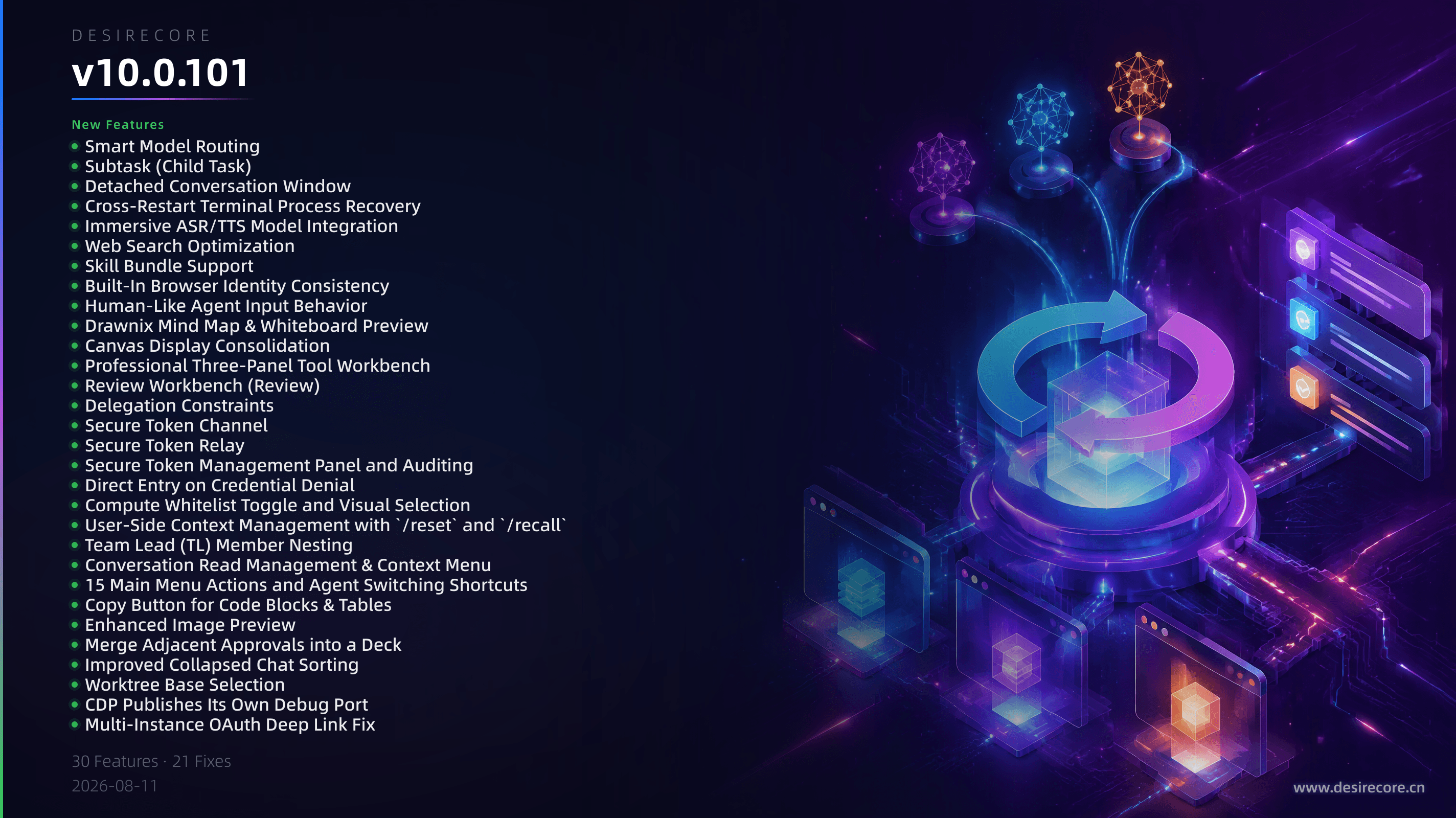
New Features
- Smart Model Routing: Agents can automatically match the appropriate model based on task scale (lightweight/balanced/flagship) and remember the assignment.
- Subtask (Child Task): New child task mode that can inherit the initiator’s conversation context to explore multiple directions in parallel, eliminating the need to restate background.
- Detached Conversation Window: Conversations can be popped into a separate window, relayed through the main window without an additional backend connection. Child windows are automatically reclaimed when the main window closes.
- Cross-Restart Terminal Process Recovery: Terminal processes automatically resume after an app restart. Even after a full system reboot, tabs and output history can be restored.
- Immersive ASR/TTS Model Integration: Immersive voice interaction now selects available speech models directly from the compute model catalog and connects via a new protocol adapter.
- Web Search Optimization: Added result caching and a global timeout budget. Search sub-agents automatically use a fast model to reduce wait times.
- Skill Bundle Support: Marketplace skills support checkbox-style bundle installation, allowing one entry to install multiple sub-skills, with an optional agent-private directory installation.
- Built-In Browser Identity Consistency: The browser’s UA and system fingerprint are derived from the real kernel, eliminating traits caused by Electron identifiers that easily flag the session as a bot.
- Human-Like Agent Input Behavior: Agent mouse movements, clicks, scrolling, and other browser actions simulate human motion patterns to reduce the risk of being detected as a bot.
- Drawnix Mind Map & Whiteboard Preview: The file workbench supports read-only preview for
.drawnixfiles and can import mainstream mind map formats such as XMind and MindNode. - Canvas Display Consolidation: The canvas now outputs message flow cards by default; old cards automatically downgrade to historical snapshot posters, with strengthened display and read-back boundaries.
- Professional Three-Panel Tool Workbench: On wide screens, chat and tools are displayed in a draggable three-panel layout, unifying terminal, browser, file, and review workspaces.
- Review Workbench (Review): Displays file diffs per conversation turn, supporting line-level, snippet, and file-level rollback operations.
- Delegation Constraints: Agent configurations can restrict which target agents they can interact with, preventing delegation to unauthorized objects.
- Secure Token Channel: Agents receive a revocable security handle instead of a real key, preventing credential leakage into context or disk.
- Secure Token Relay: Non-Chat API calls (images/video/voice, etc.) can access upstream APIs through a secure token relay.
- Secure Token Management Panel and Auditing: The compute settings page lets you view and revoke issued secure tokens and inspect credential operation records.
- Direct Entry on Credential Denial: When an agent is denied due to insufficient permissions, the tool card directly provides an “Open Settings” entry.
- Compute Whitelist Toggle and Visual Selection: Added an independent whitelist toggle. Provider selection is now a multi-select list pulled from compute configurations.
- User-Side Context Management with
/resetand/recall: Slash commands support resetting context and recalling topics, giving users more autonomy. - Team Lead (TL) Member Nesting: The sidebar can indent team members under their team lead, expandable/collapsible and persistent.
- Conversation Read Management & Context Menu: Added global mark as read, and a right-click menu on agent rows (pin, mark unread, collapse, detach window).
- 15 Main Menu Actions and Agent Switching Shortcuts: Added shortcuts such as direct number-key access, previous/next cycling, and a search panel, with a scope model that yields to terminal/editor.
- Copy Button for Code Blocks & Tables: Code blocks and tables in messages now have a one-click copy button; Mermaid diagrams support exporting SVG/PNG and copying source code.
- Enhanced Image Preview: Preview supports left/right switching within the same image group, arrow key navigation, and zoom.
- Merge Adjacent Approvals into a Deck: Consecutive command approval cards are merged into a poker-style deck, processable one by one.
- Improved Collapsed Chat Sorting: Collapsed chats now sort by their most recent internal message time within the specialized section, displayed as a drill-down sub-list view.
- Worktree Base Selection: When creating an isolated worktree, you must explicitly choose a base point (current HEAD / remote default branch / a specified ref), with an added optional fetch parameter.
- CDP Publishes Its Own Debug Port: After instance startup, a debug port file is published in the data directory, readable by agents and the multi-instance selector.
- Multi-Instance OAuth Deep Link Fix: Authorization callbacks for connecting a code repository from a new instance can now be delivered across instances to the initiator.
Fixes
- Windows Startup Crash: Fixed a crash during startup on Windows caused by a circular dependency in the
http-requesttool module. - Windows Terminal Creation Failure: Fixed an issue where interactive terminals on Windows would error out immediately after creation.
- Windows Update Progress Window Overlap and Truncation: Fixed text being overlapped by the progress bar and the bottom hint line being clipped on scaled displays.
- Incorrect Browser Takeover from Mouse Hover: Mouse passing over the built-in browser no longer falsely triggers the agent to be “kicked out” of the session.
- Agent Unable to See Image After Screenshot: Screenshot pixels are now delivered back to the model as a readable image, with support for cropping and zooming.
- Approval Wait Blocks Global Concurrency: Waiting for human approval no longer occupies a global concurrency slot; AI unavailability no longer results in an empty 30-second wait.
- Message Backlog After Data Export: Fixed queued messages being unable to send after a restart following data export/migration due to socket disconnection.
- Imported Agent Working Directory Pollution: Fixed an issue where imported packages across devices/instances retained absolute working directory paths from the source machine.
- Forgotten Content Returns After Multiple
contextResetCalls: Fixed boundary parsing errors after multiple resets that caused old context to be reinjected. - Compression Separator Crossing Reset Boundaries: Fixed the compression separator’s lower bound not taking reset markers into account, and silent dropping of separators during dispatch.
- Archive Security Hardening: Topic archiving now validates runId ownership to prevent agents from reading other users’ conversation messages.
- Tool Call Result Integrity: Fixed mismatched pairing between tool calls and results during history restore that led to invalid requests.
- Empty Tool Whitelist Semantics: Clearing the whitelist now means “no restriction” on tools (different from never filled); to explicitly forbid, write “none”.
- Same Home Directory No Longer Bypasses Lock: Eliminated the vulnerability of skipping the instance lock; sharing the same data directory is no longer allowed.
- Interrupt Summary No Longer Dumps Skill Documents: When interrupted, the agent’s final reply no longer includes large blocks of skill descriptions or tool outputs.
- All Delegation Cards in the Same Message: Fixed an issue where only the first delegation card was rendered when a message contained multiple delegation calls.
- Terminal Auto-Resurrection Under StrictMode: Fixed React double-rendering in dev mode causing the terminal to display “Exited” after a restart.
- Task Manager Badge False Alarms: Running tasks no longer display a badge; only tasks that require user intervention light up the red badge.
- Runs-Index Silently Dropping Runs: Fixed skipped run directories during index rebuild that caused missing usage statistics.
- Self-Evolve Skill Hardcoded Production Directory: Skill documentation paths are now derived instead of hardcoded, so isolated instances no longer pollute the production directory.
- Market Sync Infinite Loop and Stale Zip: Fixed market data stuck in an endless sync loop and stale zips caused by forked embedded git history.