DesireCore v10.0.121
Release Date: 2026-08-25
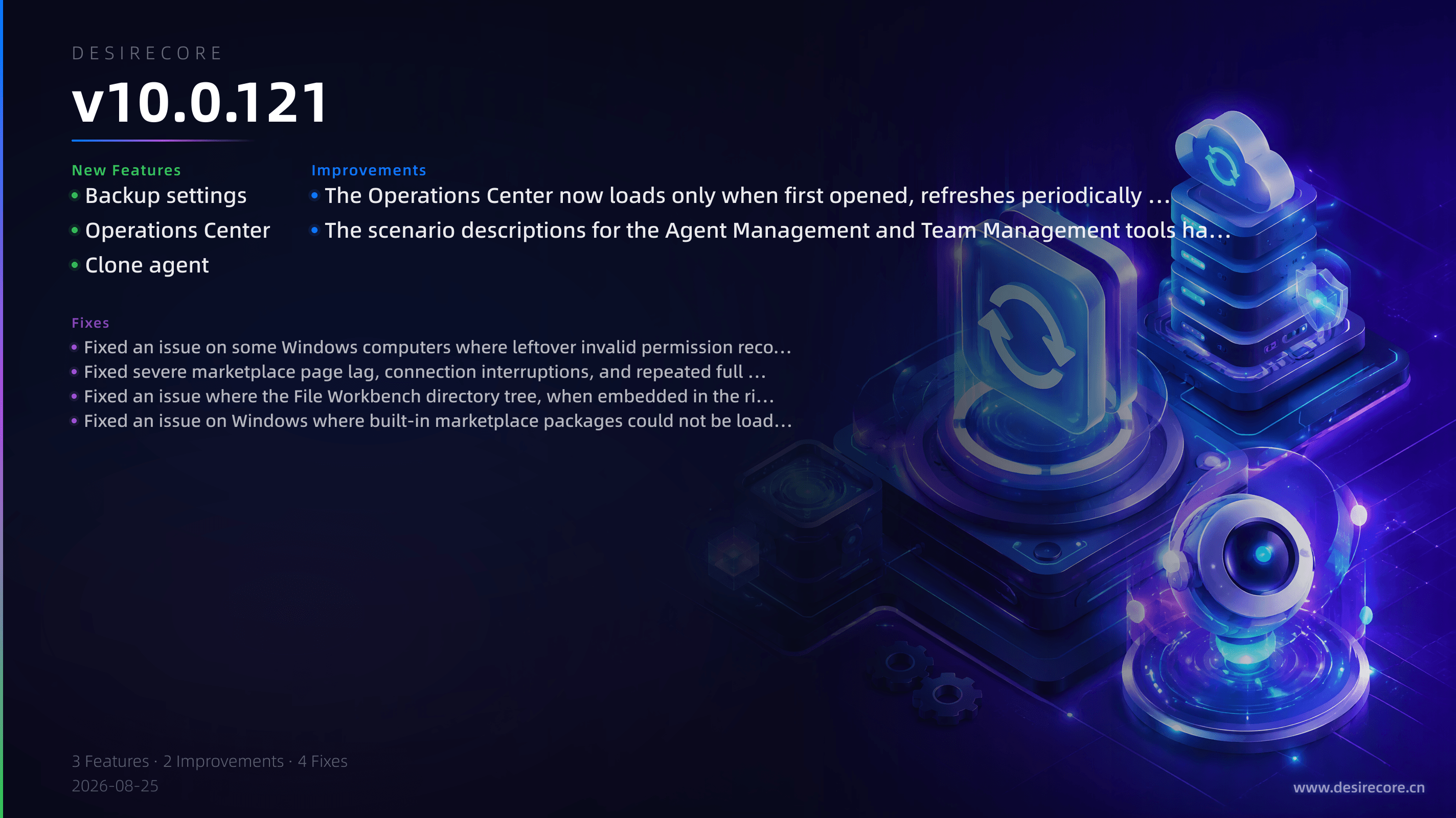
New Features
- Backup settings: Added a new Backup subpage under “Data & Privacy” settings. You can enable/reset the encryption passphrase, add local directories or S3 object storage backup targets, manually back up by category, and see each backup’s verification status and failure reason in the backup list. When importing backups, encrypted backup packages are correctly recognized and are no longer falsely reported as corrupted.
- Operations Center: The “Activity Logs” and “Task Manager” items in the navigation bar have been merged into a unified “Operations Center”, organized into four sections—Tasks, Activities, System, and Diagnostics—while retaining the original deep-link navigation and notification badges.
- Clone agent: Added a built-in clone-agent skill that lets you directly clone an existing agent’s configuration through conversation.
Fixes
- Fixed an issue on some Windows computers where leftover invalid permission records after a system reinstall or user directory migration caused the app to exit silently before the window was created. The app now displays a prompt under “Settings → About” and provides a “Repair and re-detect” action. Before repairing, it backs up the original permission configuration and shows a confirmation dialog explaining the affected scope.
- Fixed severe marketplace page lag, connection interruptions, and repeated full scans after installing a large number of skills (for example, more than 200). Marketplace API response time dropped from about 13 seconds to sub-second.
- Fixed an issue where the File Workbench directory tree, when embedded in the right-side tool panel in overlay mode, had a semi-transparent background, causing the underlying code text, line numbers, and syntax highlighting to bleed through file names and overlap into an unreadable jumble.
- Fixed an issue on Windows where built-in marketplace packages could not be loaded due to incompatible path formats. Paths containing drive letters, spaces, and special characters are now supported.
Improvements
- The Operations Center now loads only when first opened, refreshes periodically only while the page is visible, and stops continuous polling when hidden. Activity logs now use paginated loading, significantly reducing background resource usage.
- The scenario descriptions for the Agent Management and Team Management tools have been moved to built-in skills that are loaded on demand, reducing model context usage by more than half and making conversations more responsive and less costly.