DesireCore v10.0.109
Release Date: 2026-08-16
New Features
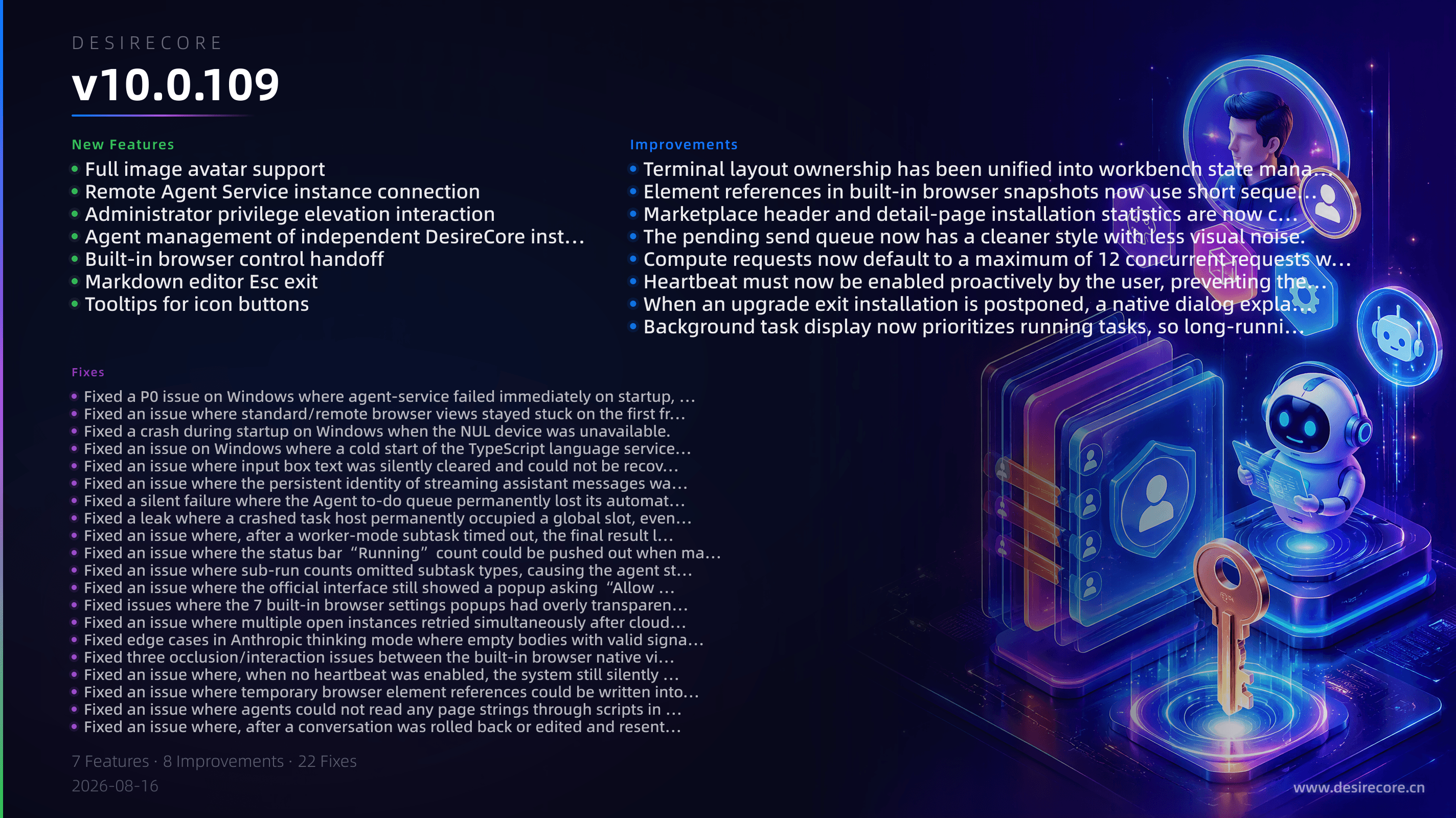
- Full image avatar support: Agents, teams, and marketplace entries now fully support image avatars. Users can upload via the picker, drag and drop, or have an agent generate a custom avatar; the core agent has also received a brand-new look.
- Remote Agent Service instance connection: Connect to a remote Agent Service instance in Settings, configure HTTPS and security credentials, and switch between local and remote runtime environments as a whole.
- Administrator privilege elevation interaction: When an agent needs administrator privileges to run a command, an approval card appears to request human authorization. Once approved, the elevated command runs securely through the system-native authorization prompt.
- Agent management of independent DesireCore instances: Agents can now open, close, and list independent DesireCore instances via commands, with the ability to specify a dedicated data directory and CDP port.
- Built-in browser control handoff: When an agent encounters a website that requires login, it can proactively hand browser control to the user and automatically wait to take back control after the user finishes logging in.
- Markdown editor Esc exit: The built-in Markdown editor adds an Esc shortcut for exiting. When there are unsaved changes, it first asks for discard confirmation and does not interfere with other Esc behavior.
- Tooltips for icon buttons: Added global tooltips for all icon-only buttons; hovering or keyboard focus now shows a clear description of the button’s function.
Fixes
- Fixed a P0 issue on Windows where agent-service failed immediately on startup, the application UI permanently showed “Retry”, and conversations, terminal, and agents were all unavailable.
- Fixed an issue where standard/remote browser views stayed stuck on the first frame; audio and title were normal, but the view did not refresh.
- Fixed a crash during startup on Windows when the NUL device was unavailable.
- Fixed an issue on Windows where a cold start of the TypeScript language service was prematurely judged as failed and triggered an error report.
- Fixed an issue where input box text was silently cleared and could not be recovered after switching sessions or pressing ↑ to go back through history.
- Fixed an issue where the persistent identity of streaming assistant messages was inconsistent with the on-disk records, causing actions such as search navigation and undo to silently fail.
- Fixed a silent failure where the Agent to-do queue permanently lost its automatic takeover capability because of a single missing cache entry, with no errors reported.
- Fixed a leak where a crashed task host permanently occupied a global slot, eventually preventing terminals from being created and requiring an application restart.
- Fixed an issue where, after a worker-mode subtask timed out, the final result lacked a reliable return path and could not be archived whether it completed or failed.
- Fixed an issue where the status bar “Running” count could be pushed out when many background tasks completed at once, dropping below the actual running count or even to zero.
- Fixed an issue where sub-run counts omitted subtask types, causing the agent status summary to undercount the number of tasks.
- Fixed an issue where the official interface still showed a popup asking “Allow model routing or compute configuration changes?” during normal login, logout, or cloud model sync.
- Fixed issues where the 7 built-in browser settings popups had overly transparent backgrounds, chat content could be clearly read through the panels, and close buttons stacked vertically under long titles.
- Fixed an issue where multiple open instances retried simultaneously after cloud quota was exhausted, forming a storm that trampled each other and continued to extend the rate-limit window.
- Fixed edge cases in Anthropic thinking mode where empty bodies with valid signatures were incorrectly judged as non-replayable, and where automatic retries only rolled back the failed tail without redoing already-completed tools.
- Fixed three occlusion/interaction issues between the built-in browser native view and the workbench shell: after zooming or dragging, the view stayed in the old rectangle; title-bar buttons could not be clicked; and the layout dropdown was covered by the browser view.
- Fixed an issue where, when no heartbeat was enabled, the system still silently auto-enabled a 30-minute heartbeat for the core agent.
- Fixed an issue where temporary browser element references could be written into site knowledge notes, causing actions days later based on stale references to “appear successful but actually do the wrong thing”.
- Fixed an issue where agents could not read any page strings through scripts in the built-in browser. Reading page content via scripts is no longer entirely blocked by masking.
- Fixed an issue where, after a conversation was rolled back or edited and resent, subtasks were always falsely told that “history is incomplete”.
- Fixed an issue where marketplace header skill statistics counted collection entries as only 1, which did not match the actual installed count.
- Fixed an issue where the same Agent could appear in different colors or with inconsistent initial capitalization in different places, such as the sidebar and contacts.
Improvements
- Terminal layout ownership has been unified into workbench state management, so switching between docked/split-screen modes no longer causes duplicate terminals, blank bars in independent session windows, or silent rollback by stale configuration.
- Element references in built-in browser snapshots now use short sequence numbers, and snapshot generation validation has been introduced. A single snapshot can shrink by up to about 80%, greatly reducing model context usage.
- Marketplace header and detail-page installation statistics are now calculated based on the actual distribution of sub-skills, deduplicated across global and per-Agent private directories, eliminating contradictory counts.
- The pending send queue now has a cleaner style with less visual noise.
- Compute requests now default to a maximum of 12 concurrent requests when no explicit concurrency limit is configured; explicitly setting 0 still means unlimited.
- Heartbeat must now be enabled proactively by the user, preventing the system from silently writing a preference the user never expressed.
- When an upgrade exit installation is postponed, a native dialog explains the specific reason (managed instance, other active instances, or installer error); during system shutdown/logoff, it remains silent and does not show a popup.
- Background task display now prioritizes running tasks, so long-running tasks are no longer drowned out by finished tasks.