DesireCore v10.0.95
Release Date: 2026-07-23
New Features
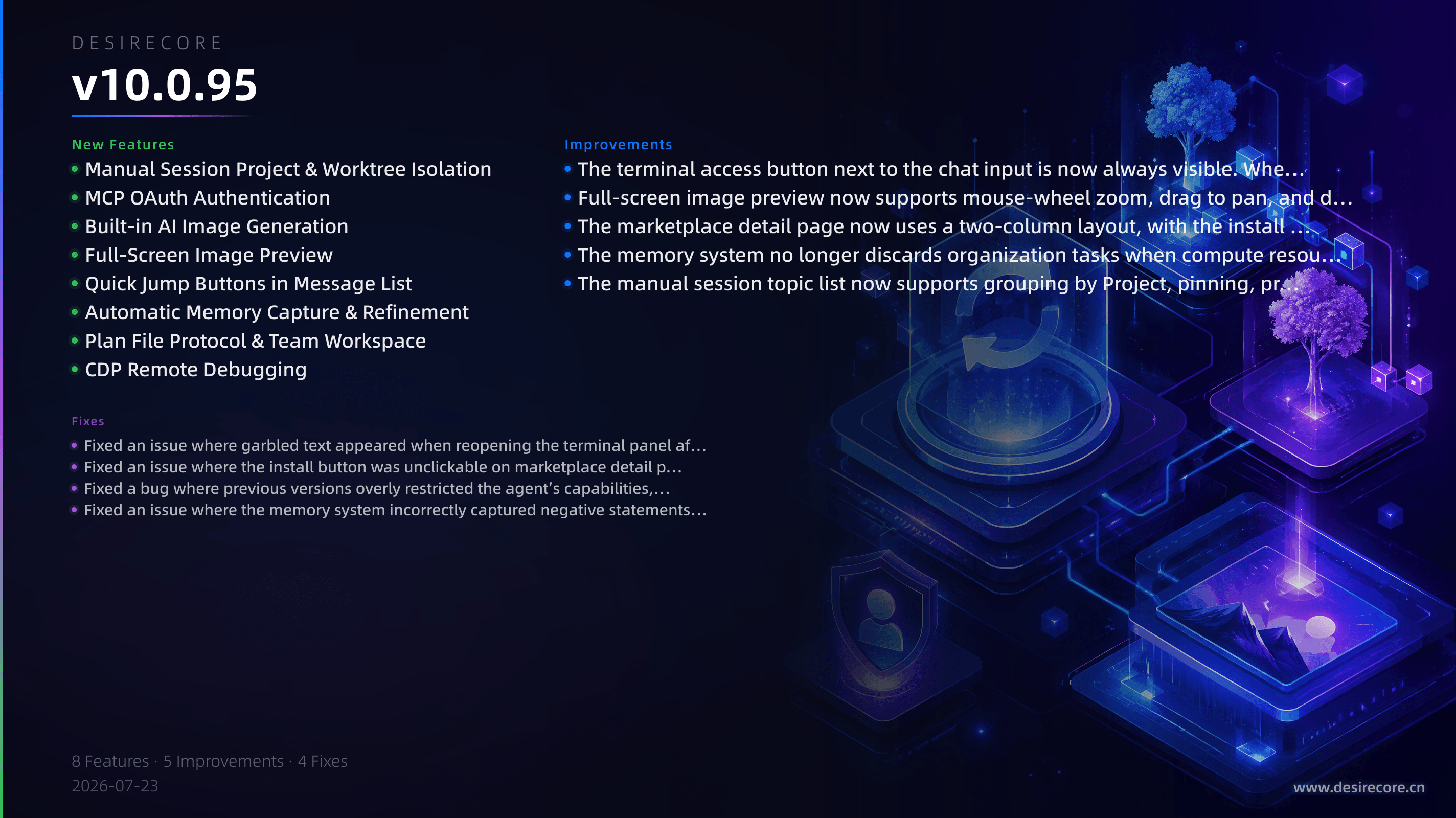
- Manual Session Project & Worktree Isolation:Manual sessions now support creating and binding a Project, providing each session with an isolated file environment based on Git worktrees and ensuring safe cleanup when the session ends.
- MCP OAuth Authentication:Remote MCP services now support the standard OAuth 2.1 authorization flow, eliminating the need to manually enter tokens; you can authorize connections directly in the UI.
- Built-in AI Image Generation:No additional configuration is required—simply describe what you need in a conversation to generate images, with results displayed inline in the reply in real time.
- Full-Screen Image Preview:Images in conversations can now be clicked to view full-screen, where you can zoom, pan, and download the original image.
- Quick Jump Buttons in Message List:When there are many messages, floating “Back to top” and “Back to bottom” buttons automatically appear in the bottom-right corner for quick navigation.
- Automatic Memory Capture & Refinement:When the user says “remember…”, the system automatically captures the content as a memory and displays a memory card. A new background refinement mechanism continuously improves the accuracy of memory categorization.
- Plan File Protocol & Team Workspace:Agent plans are now saved as traceable files in the workspace. The shared team workspace is now actually used by agents when executing tasks, and a “Team Workspace Only” mode is supported to enhance data isolation.
- CDP Remote Debugging:The production build can explicitly enable a Chrome debugging port via environment variables, and supports binding to a LAN address for convenient remote diagnostics and testing.
Fixes
- Fixed an issue where garbled text appeared when reopening the terminal panel after closing it.
- Fixed an issue where the install button was unclickable on marketplace detail pages with long content, and where the install dialog could not be scrolled.
- Fixed a bug where previous versions overly restricted the agent’s capabilities, causing internal services like email sending to become unavailable.
- Fixed an issue where the memory system incorrectly captured negative statements like “don’t remember” as memories.
Improvements
- The terminal access button next to the chat input is now always visible. When no terminals are open, it appears grayed out. When multiple terminals are open, it automatically collapses into a compact entry, saving space.
- Full-screen image preview now supports mouse-wheel zoom, drag to pan, and downloading the original image.
- The marketplace detail page now uses a two-column layout, with the install button always visible. Uninstalled cards no longer show superfluous installation status badges.
- The memory system no longer discards organization tasks when compute resources are unavailable; it resumes them once resources are available, improving reliability.
- The manual session topic list now supports grouping by Project, pinning, priorities, and multiple sorting options for better organization.