DesireCore v10.0.117
Release Date: 2026-08-24
New Features
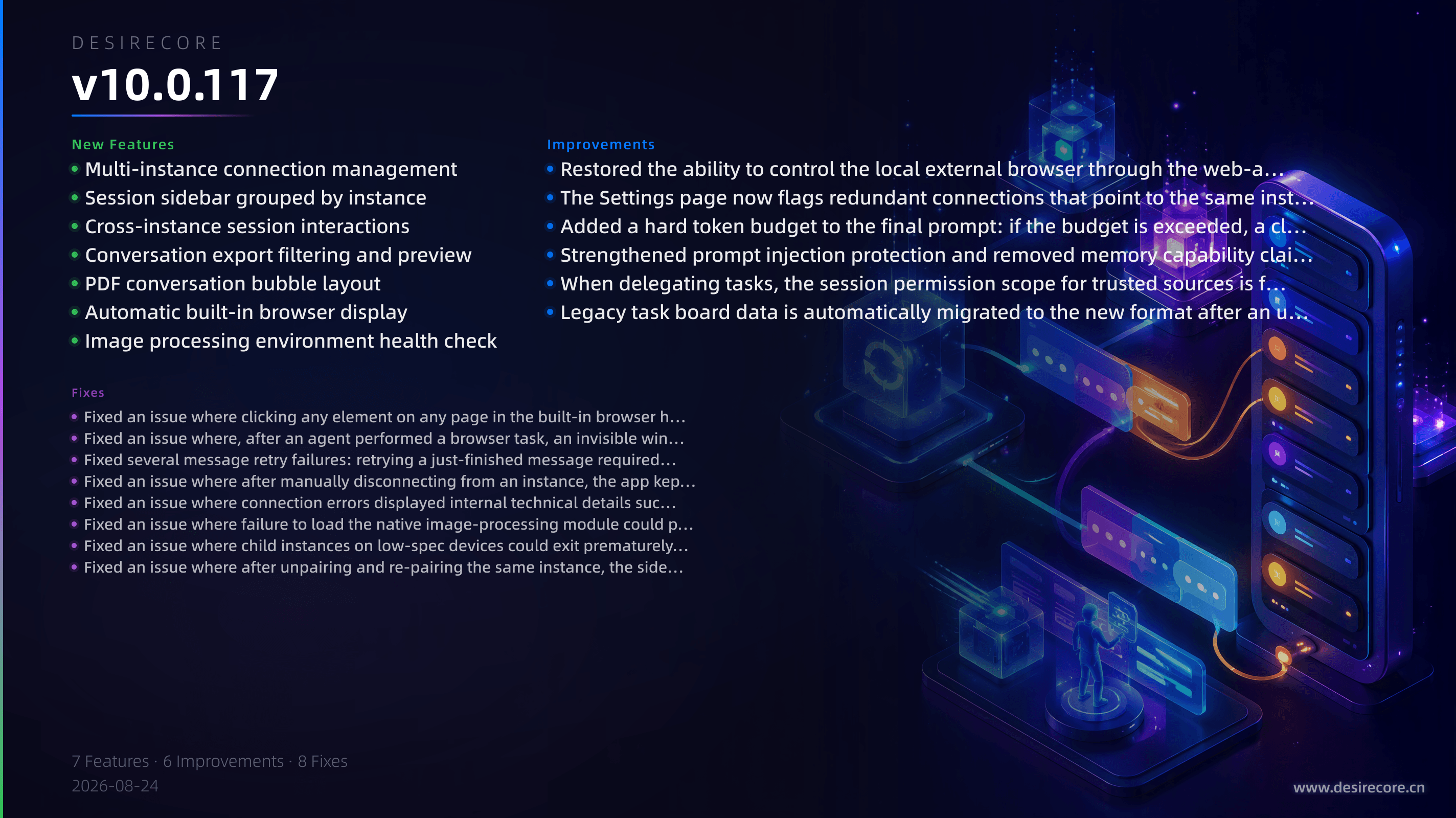
- Multi-instance connection management: The Settings page adds “Other local instances” access management and an “Allow other clients to connect” pairing feature. You can search for and pair with other instances on the same machine, view each connection status, generate pairing codes, and manage or revoke authorized clients.
- Session sidebar grouped by instance: Once multiple instances are connected, the session sidebar groups agents by instance, with connection status indicators and remembered collapse state, and supports keyboard shortcut switching with continuous numbering across instances.
- Cross-instance session interactions: Actions such as sending messages to agents in other instances, retrying, continuing generation, follow-up questions, and approval receipts are correctly routed to their owning instance. If an instance is unreachable, a clear message is shown and requests are no longer mistakenly sent to the local machine.
- Conversation export filtering and preview: When exporting conversations, you can choose a date range, speaker, and message content type. The number of matching conversations and messages is previewed in real time before export, and the export button is disabled when there are no matches.
- PDF conversation bubble layout: PDF export now uses a left-right chat bubble layout—user messages on the right, agent messages on the left, and system messages centered—making long messages flow more naturally across pages.
- Automatic built-in browser display: When an agent performs browser tasks, the built-in browser automatically comes to the foreground. If the user is using another tool, only a clickable notification is shown without forcibly interrupting.
- Image processing environment health check: The compute resource card, Compute page, and Runtime Environment page now include a health check for the native image-processing module (Windows stable version), so issues that make image features unavailable can be detected early without changing any system permissions.
Fixes
- Fixed an issue where clicking any element on any page in the built-in browser had no effect.
- Fixed an issue where, after an agent performed a browser task, an invisible window covered the entire desktop and made clicks and scrolling unresponsive across all applications.
- Fixed several message retry failures: retrying a just-finished message required a page refresh, retry/edit detection was incorrect in long conversations, and retries could mistakenly affect another session or instance.
- Fixed an issue where after manually disconnecting from an instance, the app kept retrying the connection in the background every 30 seconds indefinitely.
- Fixed an issue where connection errors displayed internal technical details such as “Error invoking remote method…” in the chat UI. They now show readable explanatory text.
- Fixed an issue where failure to load the native image-processing module could prevent the entire app from starting. That failure now only affects image-related features.
- Fixed an issue where child instances on low-spec devices could exit prematurely during multi-instance startup because of readiness timeouts. The multi-instance selector now collapses immediately after the child process starts, and failures that occur later are reported via system notifications.
- Fixed an issue where after unpairing and re-pairing the same instance, the sidebar section for that instance remained collapsed, causing “paired successfully but cannot see the agent.”
Improvements
- Restored the ability to control the local external browser through the web-access skill and corrected the related tool descriptions—the agent no longer uses the built-in browser to pass itself off as the external browser, and the two browsers are distinguished according to user intent.
- The Settings page now flags redundant connections that point to the same instance (for example, after copying the HOME directory and pairing again), helping detect silent failures such as “paired successfully but cannot see the agent.”
- Added a hard token budget to the final prompt: if the budget is exceeded, a clear error is reported before calling the model, avoiding call failures or silent truncation caused by overlong context.
- Strengthened prompt injection protection and removed memory capability claims that do not match actual capabilities. First-turn prompt content now stays consistent with the real runtime state.
- When delegating tasks, the session permission scope for trusted sources is frozen: subagents can be properly authorized when reading delegated tasks, while the model cannot expand permissions on its own.
- Legacy task board data is automatically migrated to the new format after an upgrade. The migration is atomic and safe to retry, with no manual action required.