DesireCore v10.0.119
Release Date: 2026-08-25
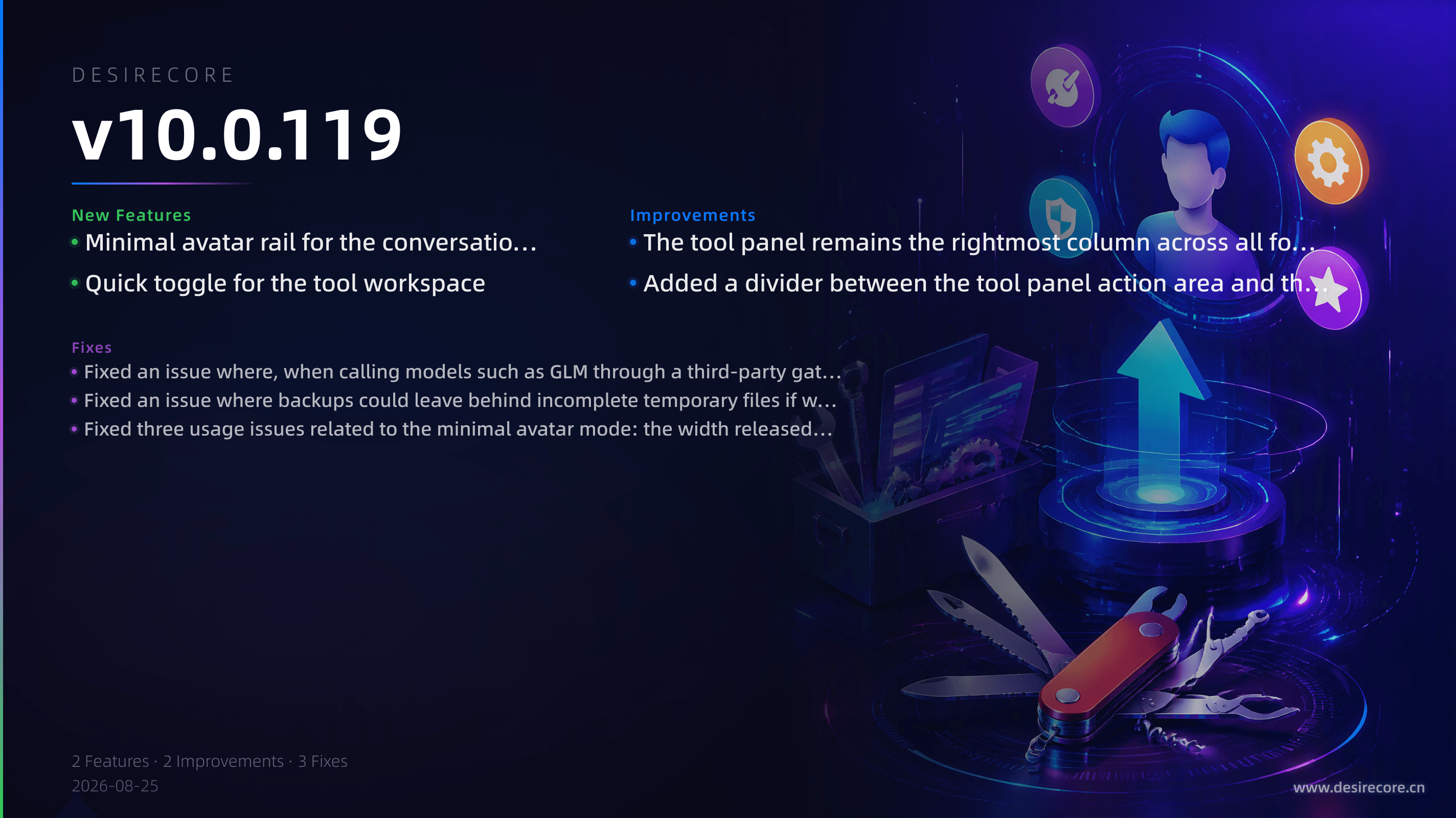
New Features
- Minimal avatar rail for the conversation list: When the window becomes narrow, the conversation list no longer hides entirely; instead, it shrinks into a 62 px-wide avatar rail that continuously shows each agent’s working status. When the current conversation is busy, the avatar shows an outlined breathing ring and an orange dot; when the agent is busy with other tasks, only the orange dot is shown. Unread badges shrink and are capped at 9+. It also supports manually pinning the list expanded or collapsed, and actions on the avatar rail such as search and collapse chat automatically expand the list first before executing.
- Quick toggle for the tool workspace: Added the Ctrl/⌘+⇧+B shortcut to quickly open or close the tool panel.
Fixes
- Fixed an issue where, when calling models such as GLM through a third-party gateway in thinking mode, if tool calls alternated between “upstream non-compliance” and “gateway stream interruption,” automatic fallback would never trigger and the conversation would eventually fail with an error. Now, the second non-compliant response in a session automatically turns off thinking mode so tools can continue executing normally.
- Fixed an issue where backups could leave behind incomplete temporary files if writing failed as soon as it started.
- Fixed three usage issues related to the minimal avatar mode: the width released by the list was not returned, leaving about 157 px of blank space at the far right of the window; the header buttons on the avatar rail could be unresponsive on desktop; and dragging the divider between the tool area and the chat area unexpectedly changed the conversation list width preference.
Improvements
- The tool panel remains the rightmost column across all four workbench layouts. The close button is fixed to the right end of the panel title bar, uses a consistent style, and has an accessibility label; it no longer changes position or ends up outside the panel as the window width changes. Clicking close always collapses the whole panel directly, and the terminal is no longer special-cased to “switch to another tool and keep it open.” Fresh installs default to the tool workspace being closed, so no empty-state panel appears on the first screen.
- Added a divider between the tool panel action area and the window control buttons on Windows/Linux to prevent accidental clicks from two adjacent close icons. When the tool panel is open, the middle chat column no longer reserves width for the window control buttons, gaining about 110 px of additional usable width.