DesireCore v10.0.97
Release Date: 2026-07-31
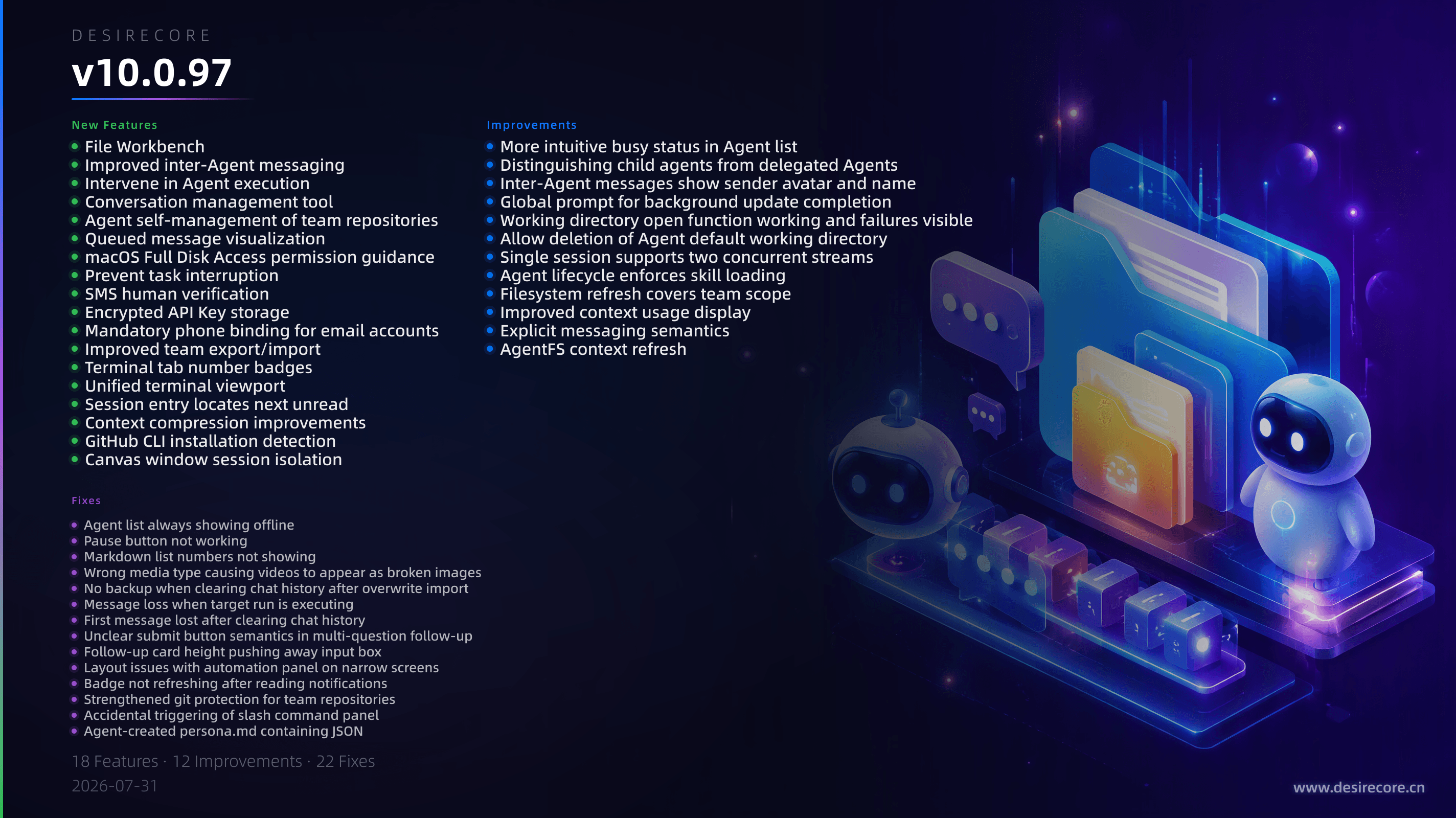
New Features
- File Workbench: Added a built-in file workbench for browsing, editing, and previewing various files in the working directory, including high-fidelity Office document previews.
- Improved inter-Agent messaging: When messaging a busy Agent, the system no longer initiates multiple concurrent sessions; instead, the message is delivered to the recipient's inbox and their status is returned, leaving the sender to decide whether to wait, give up, or interrupt.
- Intervene in Agent execution: Added two intervention actions,
interjectandinterrupt, allowing Agents to intervene with other Agents that are running tasks. - Conversation management tool: Added the built-in
ManageConversationtool, enabling Agents to autonomously manage unread messages, mark them as read, and clear chat history; a ZIP backup is automatically created before clearing conversations. - Agent self-management of team repositories: Extended the
ManageAgentandManageTeamtools so Agents can now autonomously perform complete closed-loop operations, including cloning experts, managing team repositories, and pushing changes. - Queued message visualization: A queue panel added above the input box lets users visually view, edit, delete, or intervene with queued messages, and also supports aborting the current reply to prioritise sending a specific queued item.
- macOS Full Disk Access permission guidance: On macOS, the app now automatically checks for and guides users to grant Full Disk Access permission at startup.
- Prevent task interruption: Added a master toggle “Prevent computer from sleeping while task is running”, enabled by default, to prevent long-running tasks from being interrupted by system idle sleep.
- SMS human verification: SMS sending now integrates Tencent Cloud TCaptcha for improved account security.
- Encrypted API Key storage: API keys are now encrypted on disk, and a new controlled read channel,
ComputeCredential, has been added, blocking the path that previously allowed raw key access via a generic shell. - Mandatory phone binding for email accounts: Email accounts that have not bound a phone number will now be required to complete phone binding as required by compliance upon login.
- Improved team export/import: Global skill export/import is now supported, and issues with incorrect ownership of conversation history and workspace files have been fixed.
- Terminal tab number badges: When holding Cmd/Ctrl, terminal tabs display corresponding number badges for quick switching.
- Unified terminal viewport: The resolution of background and hidden terminals now adapts to the window size, preventing forced TUI reflow when switching tabs.
- Session entry locates next unread: Clicking the session icon on the left now scrolls to and locates the next unread Agent.
- Context compression improvements: The compression range is now precisely defined by anchors, historical summaries are retained in chained chronological order, and expandable compression trace separators have been added to the chat interface.
- GitHub CLI installation detection: A GitHub CLI (gh) installation detection card has been added to the Compute Settings - Runtime Environment page.
- Canvas window session isolation: Fixed an issue where multiple Agents calling Canvas concurrently shared the same window and overwrote each other; windows are now isolated per session.
Fixes
- Agent list always showing offline: Fixed an issue in the resource manager where the Agent list permanently displayed “Offline”; it now correctly shows real-time Online/Busy/Offline status.
- Pause button not working: Fixed an issue where clicking the pause button during generation caused a stack overflow due to circular references, preventing the process from stopping.
- Markdown list numbers not showing: Restored the display of ordered/unordered list numbers and bullet points (previously not rendered due to style conflicts).
- Wrong media type causing videos to appear as broken images: Fixed an issue where tool-generated videos were incorrectly rendered as “broken images” after a restart.
- No backup when clearing chat history after overwrite import: When clearing chat history after importing an existing Agent in update mode, an automatic backup is now created by default.
- Message loss when target run is executing: Fixed an issue where new messages disappeared after refresh because the target run was busy; messages are now staged and automatically sent when the run becomes idle.
- First message lost after clearing chat history: Fixed an issue where a message sent immediately after clearing history was overwritten and discarded by an asynchronously returned greeting.
- Unclear submit button semantics in multi-question follow-up: Added a “Go to answer” button and previous/next pagination arrows to guide users to the first unanswered question.
- Follow-up card height pushing away input box: Limited the maximum height of follow-up cards to
420pxand changed to a three-section layout to keep the input box always visible. - Layout issues with automation panel on narrow screens: Fixed problems where the delete button was obscured by the floating chat button and the title was displayed vertically character by character.
- Badge not refreshing after reading notifications: Fixed an issue where the foreground badge did not disappear automatically after marking notifications as read.
- Strengthened git protection for team repositories: Replaced easily bypassed command-text interception with lower-level git configuration hardening and prompt self-checking.
- Accidental triggering of slash command panel: Tightened trigger conditions so the panel only appears when
/is at the very beginning of the input, no longer popping up accidentally. - Agent-created persona.md containing JSON: Fixed an issue where the persona file created by the tool was saved as JSON text instead of markdown, causing the prompt to be ineffective.
- Awkward continuation status text: Changed text that exposed internal enums like “Continuation(length)” to “Processing” and de-emphasized the specific reason.
- Markdown relative path image preview: Fixed relative image path resolution based on the current document, and added file source validation and permission boundaries.
- Agent unable to perceive run errors: Added failure markers to the InspectRuns tool output and preserved error signals in the recovery context.
- Delegation card with no terminal state after failure: Added a red “Failed” terminal state to delegation cards, fixing the issue where they stayed in “Processing” indefinitely.
- Windows upgrade integrity check: Added native module integrity verification to prevent false upgrade-completion reports after installation is blocked by security software.
- Disabling IPC event passthrough: Fixed an issue where the pause button passed React event objects through to Socket.IO, causing a stack overflow.
- Insufficient terminal contrast: Added minimum terminal contrast, an ANSI colour palette, and the
COLORFGBGenvironment variable to ensure text is always readable on pure black/white backgrounds. - Stuck running permanently locking session: Added an orphan escape hatch to fix an issue where an exception prevented the conversation from sending messages, requiring an app restart.
Improvements
- More intuitive busy status in Agent list: Replaced the previous static busy/idle dots with dynamic flowing
›››arrows and real-time activity text (e.g., “Using Bash”). - Distinguishing child agents from delegated Agents: The top-right status bar now accurately distinguishes temporary child agents (shown as a grey “child” avatar) from delegated full Agents (real avatar and name).
- Inter-Agent messages show sender avatar and name: Clearly display the message source in the target Agent’s chat.
- Global prompt for background update completion: A persistent toast notifying the user to restart now pops up after a background update download completes, instead of remaining silent and easily missed.
- Working directory open function working and failures visible: Unified the “Open in folder” interaction for working directories across all entry points, and prompts the specific reason on failure.
- Allow deletion of Agent default working directory: Supports clearing the working directory, and tightens path fallbacks and permission controls when no working directory is set to prevent file operations from going out of bounds.
- Single session supports two concurrent streams: The frontend now correctly handles two concurrent streams in the same session—user foreground and Agent background messages—preventing them from interleaving or competing for the stop button.
- Agent lifecycle enforces skill loading: Agents are now required to load their corresponding built-in skills before performing create/update/delete operations to avoid skipping critical steps.
- Filesystem refresh covers team scope: Filesystem refresh has been extended to team directories, and changes in team configuration are synced to the frontend in real time.
- Improved context usage display: Filters out context usage from background runs, ensuring the status bar only shows what belongs to the current user session.
- Explicit messaging semantics: The
notify_onlyandwaitparameters of SendMessage are now explicitly declared, returning decision-making power to the caller. - AgentFS context refresh: Changes to team configuration and working directories are synced to the frontend AgentFS panel in real time.