DesireCore v10.0.105
Release Date: 2026-08-11
New Features
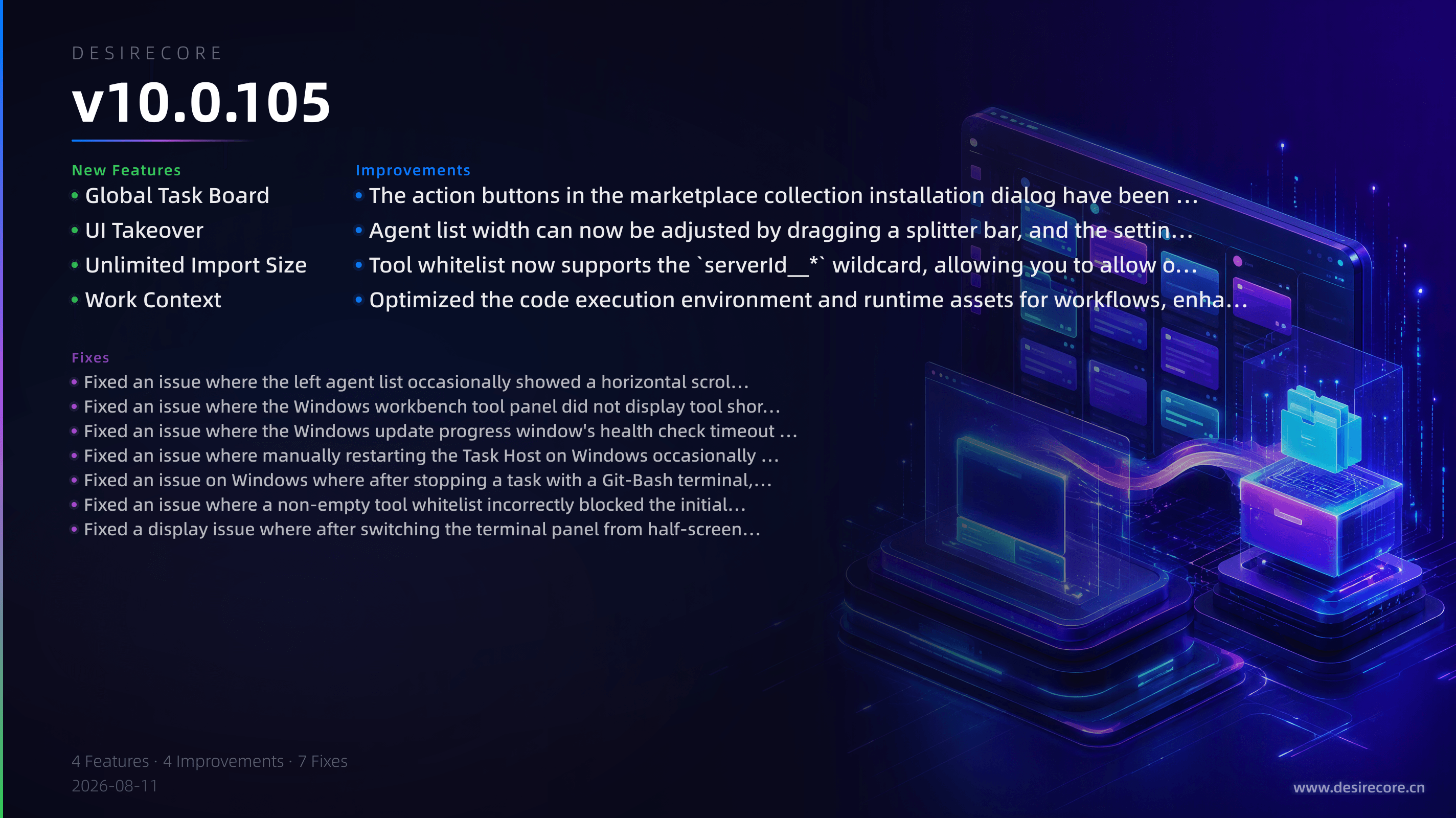
- Global Task Board: Supports creating and managing multi-agent collaboration tasks with assignment, comments, and acceptance; progress is persistently saved across sessions.
- UI Takeover: Agents can take over the DesireCore interface to perform automated operations after approval; during takeover, the window edges show a glow indicator and the identity of the taking-over agent.
- Unlimited Import Size: No more 100MB limit when importing agent or team packages, with progress display and cancellation at any time.
- Work Context: When delegating, you can choose Continue, Isolated, or Fork as the work context; a continuous timeline view across runtime sequences is also provided.
Fixes
- Fixed an issue where the left agent list occasionally showed a horizontal scroll bar.
- Fixed an issue where the Windows workbench tool panel did not display tool short names (like "Terminal", "Browser").
- Fixed an issue where the Windows update progress window's health check timeout on slow machines caused the app to be opened repeatedly after update completion.
- Fixed an issue where manually restarting the Task Host on Windows occasionally failed and the entry point disappeared.
- Fixed an issue on Windows where after stopping a task with a Git-Bash terminal, orphaned child processes remained and could not be reaped.
- Fixed an issue where a non-empty tool whitelist incorrectly blocked the initial authorization of an OAuth MCP service, causing failure to connect.
- Fixed a display issue where after switching the terminal panel from half-screen to bottom docking, the terminal content size did not adapt and overflowed the window boundaries.
Improvements
- The action buttons in the marketplace collection installation dialog have been changed to bordered "Select All / Deselect All", and a real-time count "N/M selected" has been added for clearer interaction.
- Agent list width can now be adjusted by dragging a splitter bar, and the setting is automatically saved to adapt to different windows and working habits.
- Tool whitelist now supports the
serverId__*wildcard, allowing you to allow or block all tools of an entire MCP service at once, making permission configuration more flexible. - Optimized the code execution environment and runtime assets for workflows, enhanced macOS package signing compliance, making app startup more stable and reliable.