DesireCore v10.0.100
Release Date: 2026-08-09
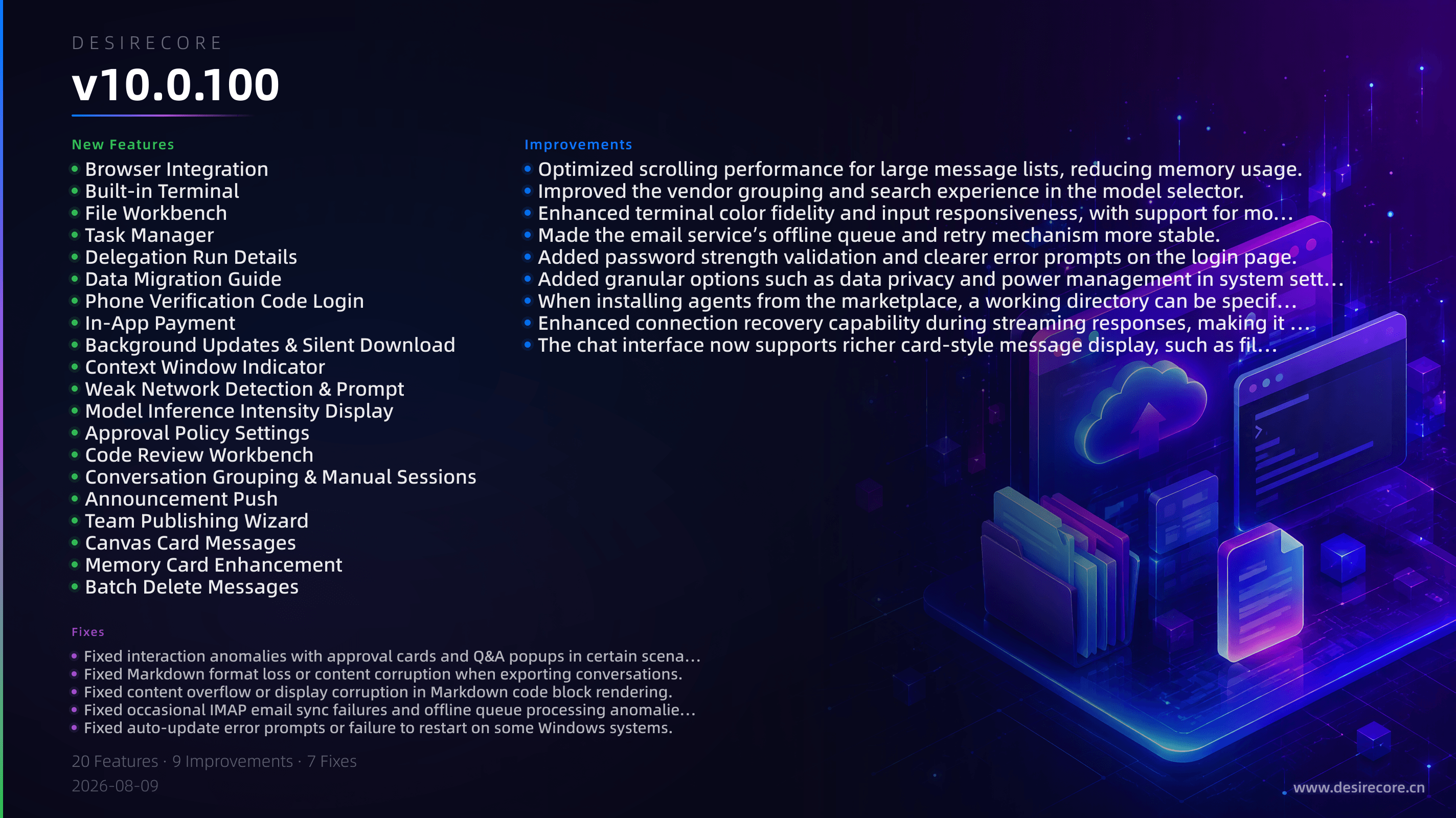
New Features
- Browser Integration: The agent can now control the built-in browser to perform web searches, browsing, form filling, and other operations.
- Built-in Terminal: Added a terminal panel that supports executing shell commands directly within the app while preserving session history.
- File Workbench: Unified project file management that supports creating, editing, and previewing multiple file formats, along with a directory tree browser.
- Task Manager: Added a task management view to check the progress and results of background asynchronous tasks (such as automations and workflows).
- Delegation Run Details: Supports viewing the complete message log and transcript of sub-agent delegation runs.
- Data Migration Guide: Provides a step-by-step wizard for importing data from another DesireCore instance, simplifying the transition process.
- Phone Verification Code Login: Added phone number registration, login, and binding functionality, with SMS verification support.
- In-App Payment: Integrated payment functionality so that plan purchases and renewals can be completed directly within the app.
- Background Updates & Silent Download: Supports automatic download of updates in the background and prompts a restart via notification when an update is available.
- Context Window Indicator: Displays the current context window usage in the chat interface so you can easily perceive the remaining capacity.
- Weak Network Detection & Prompt: Automatically detects the network connection status and provides a clear prompt when the network is weak.
- Model Inference Intensity Display: Shows the inference intensity level in the model selector, making it easy to choose a model based on your needs.
- Approval Policy Settings: Supports configuring approval policies for agent actions (e.g., always ask, auto-execute, etc.).
- Code Review Workbench: File changes made by the agent can be reviewed in a side-by-side diff view and reverted with one click.
- Conversation Grouping & Manual Sessions: Supports manually creating and managing session groups to flexibly organize multi-topic conversations.
- Announcement Push: Operational announcements can be displayed as an in-app popup to deliver important notifications in a timely manner.
- Team Publishing Wizard: Simplifies the publishing process in team collaboration, making sharing agent configurations more convenient.
- Canvas Card Messages: Interactive canvas cards can be displayed directly within conversations.
- Memory Card Enhancement: Memory cards display more metadata, making long-term memory management more intuitive.
- Batch Delete Messages: Supports deleting multiple conversation records at once, convenient for clearing history.
Fixes
- Fixed interaction anomalies with approval cards and Q&A popups in certain scenarios.
- Fixed Markdown format loss or content corruption when exporting conversations.
- Fixed content overflow or display corruption in Markdown code block rendering.
- Fixed occasional IMAP email sync failures and offline queue processing anomalies.
- Fixed auto-update error prompts or failure to restart on some Windows systems.
- Fixed false positives or UI freezes on certain items in the environment detection wizard.
- Fixed message display inconsistencies that could be caused by undoing in long conversations.
Improvements
- Optimized scrolling performance for large message lists, reducing memory usage.
- Improved the vendor grouping and search experience in the model selector.
- Enhanced terminal color fidelity and input responsiveness, with support for more keyboard shortcuts.
- Made the email service’s offline queue and retry mechanism more stable.
- Added password strength validation and clearer error prompts on the login page.
- Added granular options such as data privacy and power management in system settings.
- When installing agents from the marketplace, a working directory can be specified for flexible file organization.
- Enhanced connection recovery capability during streaming responses, making it more robust under weak network conditions.
- The chat interface now supports richer card-style message display, such as file changes and delegation status.