DesireCore v10.0.133
Release Date: 2026-08-31
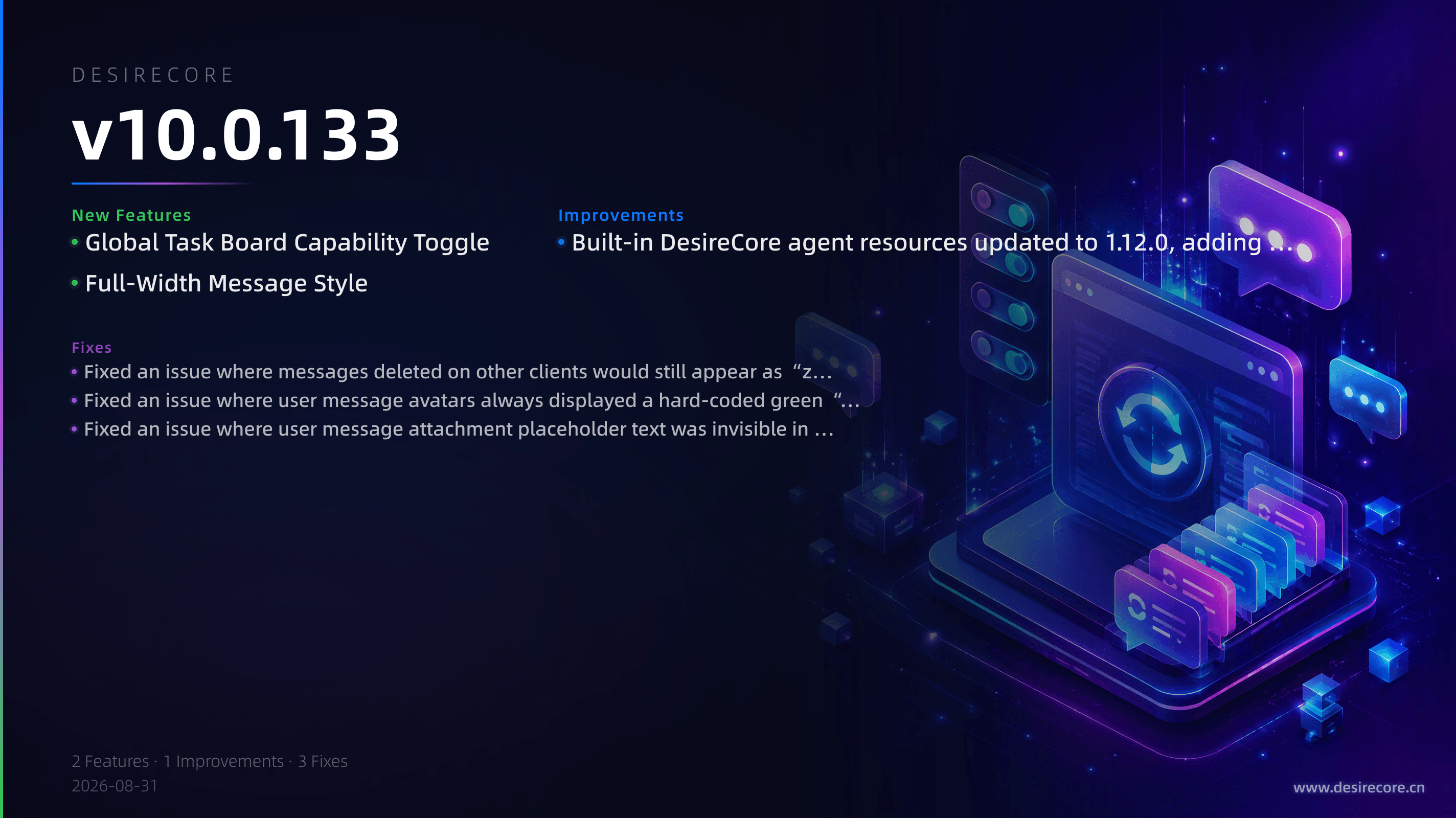
New Features
- Global Task Board Capability Toggle: The global task board is now a protected built-in app enabled by default, pinned to the second position in main navigation and excluded from custom app sorting. You can disable or re-enable it in “My Apps”. After disabling it, agents will no longer be able to discover or execute the global task board’s seven related tools, but personal file-based plan/task capabilities are unaffected. When re-enabled, existing boards, tasks, comments, history, and automation definitions will be fully restored and will not be deleted.
- Full-Width Message Style: Settings → Appearance → Message Style now adds a “Full-width” display mode and sets it as the default. Assistant messages no longer show avatars and bubble shells, and the body text is wider; user messages are changed to neutral dark symmetrical capsules. The original “Bubble” style can still be switched back and retained.
Fixes
- Fixed an issue where messages deleted on other clients would still appear as “zombie bubbles” when manually switching back to a cached topic across multiple sessions. The system now reconciles against the authoritative backend history and ensures deleted messages do not reappear when a session is rebuilt or restored.
- Fixed an issue where user message avatars always displayed a hard-coded green “Me” character instead of reading the profile avatar. Uploaded avatars are now displayed correctly.
- Fixed an issue where user message attachment placeholder text was invisible in the light theme because white text was placed on a light background.
Improvements
- Built-in DesireCore agent resources updated to 1.12.0, adding 24 real-world scenario decision tree Webs and synchronizing the validation book Web source code and validator.