DesireCore v10.0.142
Release Date: 2026-09-03
New Features
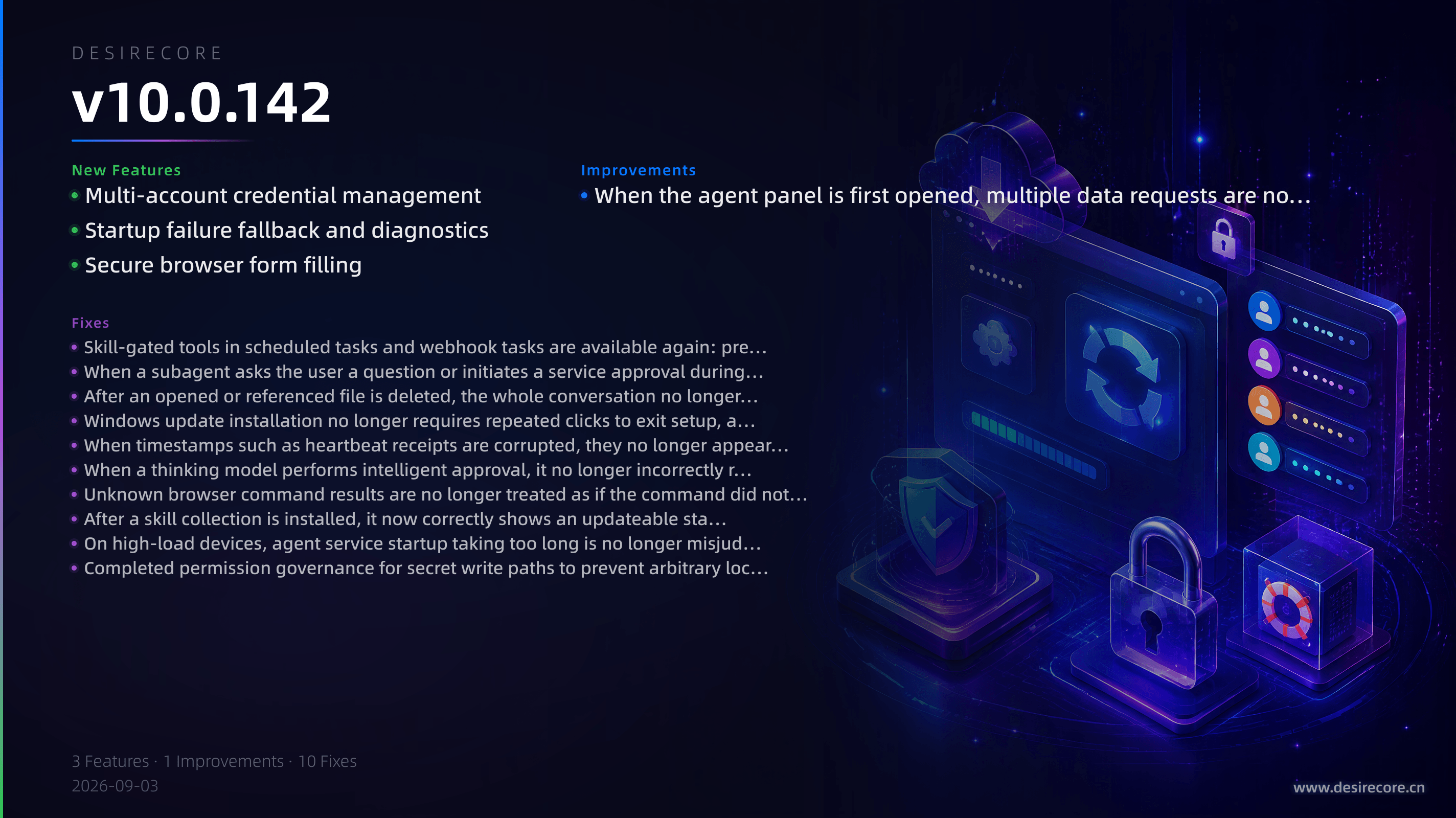
- Multi-account credential management: The secrets panel in Explorer has been upgraded to a credential vault that can manage multiple sets of account credentials. Passwords are masked by default and can be revealed; agents can read and write through placeholders. Legacy flat secrets remain read-only and can be deleted.
- Startup failure fallback and diagnostics: If the app fails to start, it no longer exits silently. Instead, a dedicated window with remediation guidance is shown, and you can export a local diagnostic archive and be guided to send it to the support email. Main process logs also begin persisting to disk automatically.
- Secure browser form filling: Browser automation supports filling secret placeholders into web forms. Real credentials do not pass through model context, session history, or logs during filling.
Fixes
- Skill-gated tools in scheduled tasks and webhook tasks are available again: previously browser automation tools could be silently cleared even after the agent successfully activated the skill.
- When a subagent asks the user a question or initiates a service approval during team delegation, the UI now shows an answerable card instead of remaining stuck in "In progress" indefinitely.
- After an opened or referenced file is deleted, the whole conversation no longer fails on every send; stale references are automatically removed from pending items and the input box, allowing retry.
- Windows update installation no longer requires repeated clicks to exit setup, and the progress no longer stalls at 99% or keeps rescanning the installation directory.
- When timestamps such as heartbeat receipts are corrupted, they no longer appear as "NaN:NaN" or "not-a-date"; a placeholder is shown consistently.
- When a thinking model performs intelligent approval, it no longer incorrectly reports the backend as unavailable because thinking content exhausted the budget.
- Unknown browser command results are no longer treated as if the command did not occur, preventing browser sessions from becoming permanently unrecoverable and avoiding tab leaks.
- After a skill collection is installed, it now correctly shows an updateable status and supports one-click updates. First-time installation selects installable sub-skills by default, and skills are no longer mistakenly installed across scopes.
- On high-load devices, agent service startup taking too long is no longer misjudged as startup failure, avoiding repeated restarts.
- Completed permission governance for secret write paths to prevent arbitrary local processes from overwriting configured model provider keys or deleting browser login state.
Improvements
- When the agent panel is first opened, multiple data requests are now combined into a single aggregated request, making loading faster on slow links or when connecting to a remote server.