AgentOS v10.0.183
Release Date: 2026-10-15
New Features
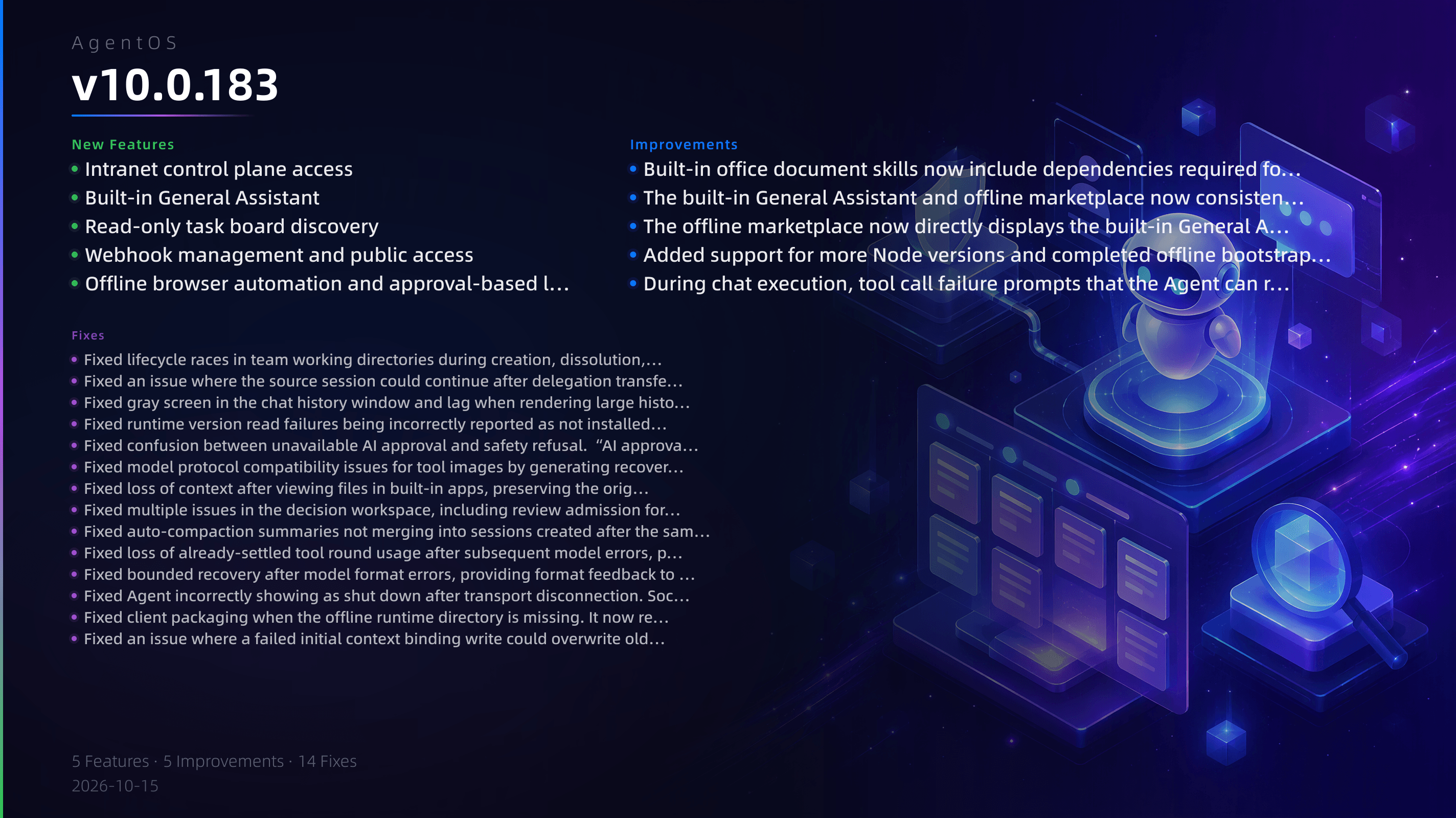
- Intranet control plane access: Supports phone number and password login for intranet deployments, displays available models and features according to deployment policy, and hides commercial entry points that are not enabled.
- Built-in General Assistant: Adds a system built-in “General Assistant” agent that supports Q&A, retrieval, writing, analysis, programming, and tool tasks, with manual multi-session enabled by default.
- Read-only task board discovery: Agents can obtain a list of task boards they have permission to access, making it easier to select the correct task board in multi-task-board scenarios.
- Webhook management and public access: Supports configuring webhook owners, saving events, enabling/disabling/deleting, shared secret rotation, and declaring management capabilities in the public API handshake.
- Offline browser automation and approval-based launch: Intranet deployments can use browser automation skills offline, and can launch the local browser to complete web operations after approval.
Fixes
- Fixed lifecycle races in team working directories during creation, dissolution, address changes, and other operations, and ensured child team Git state is preserved when a parent team is dissolved.
- Fixed an issue where the source session could continue after delegation transfer. After a successful transfer, the source session status becomes transferred, and subsequent messages are explicitly rejected.
- Fixed gray screen in the chat history window and lag when rendering large histories by switching to paginated loading, virtual rendering, and preview truncation.
- Fixed runtime version read failures being incorrectly reported as not installed. On failure, it now shows “Read failed” and keeps the last successful label.
- Fixed confusion between unavailable AI approval and safety refusal. “AI approval unavailable” is now shown only when the service has no valid conclusion, and the original approval request is retained instead of a platform reference truncation.
- Fixed model protocol compatibility issues for tool images by generating recoverable PNG previews for images such as SVG.
- Fixed loss of context after viewing files in built-in apps, preserving the original editing state, subpages, and in-memory drafts.
- Fixed multiple issues in the decision workspace, including review admission for technical evidence, data source navigation, local example validation, and preservation of original mathematical evidence.
- Fixed auto-compaction summaries not merging into sessions created after the same Run. Background compaction results are now synchronized to all related sessions.
- Fixed loss of already-settled tool round usage after subsequent model errors, preserving incurred usage and actual model receipts.
- Fixed bounded recovery after model format errors, providing format feedback to regenerate only unexecuted calls and correctly waiting for model cooldown.
- Fixed Agent incorrectly showing as shut down after transport disconnection. Socket disconnection no longer globally overrides Agent status.
- Fixed client packaging when the offline runtime directory is missing. It now reports an error directly and prompts for the preparation command.
- Fixed an issue where a failed initial context binding write could overwrite old data. When the atomic write fails, the original metadata is preserved.
Improvements
- Built-in office document skills now include dependencies required for offline mode and correctly validate Chinese XML documents.
- The built-in General Assistant and offline marketplace now consistently display a transparent avatar.
- The offline marketplace now directly displays the built-in General Assistant entry, so it can be discovered without network access.
- Added support for more Node versions and completed offline bootstrapping for Python environments.
- During chat execution, tool call failure prompts that the Agent can recover from on its own are hidden, avoiding red failure titles.